SAHARA ENGINEERING
  • Products
  • Knowledge Base
  • Register
  • Login

Search Knowledge Base Articles

Knowledge Base / Service Management / How to Configure Service Management Settings
Service Management

How to Configure Service Management Settings

1 min read 42 words

Overview

Settings

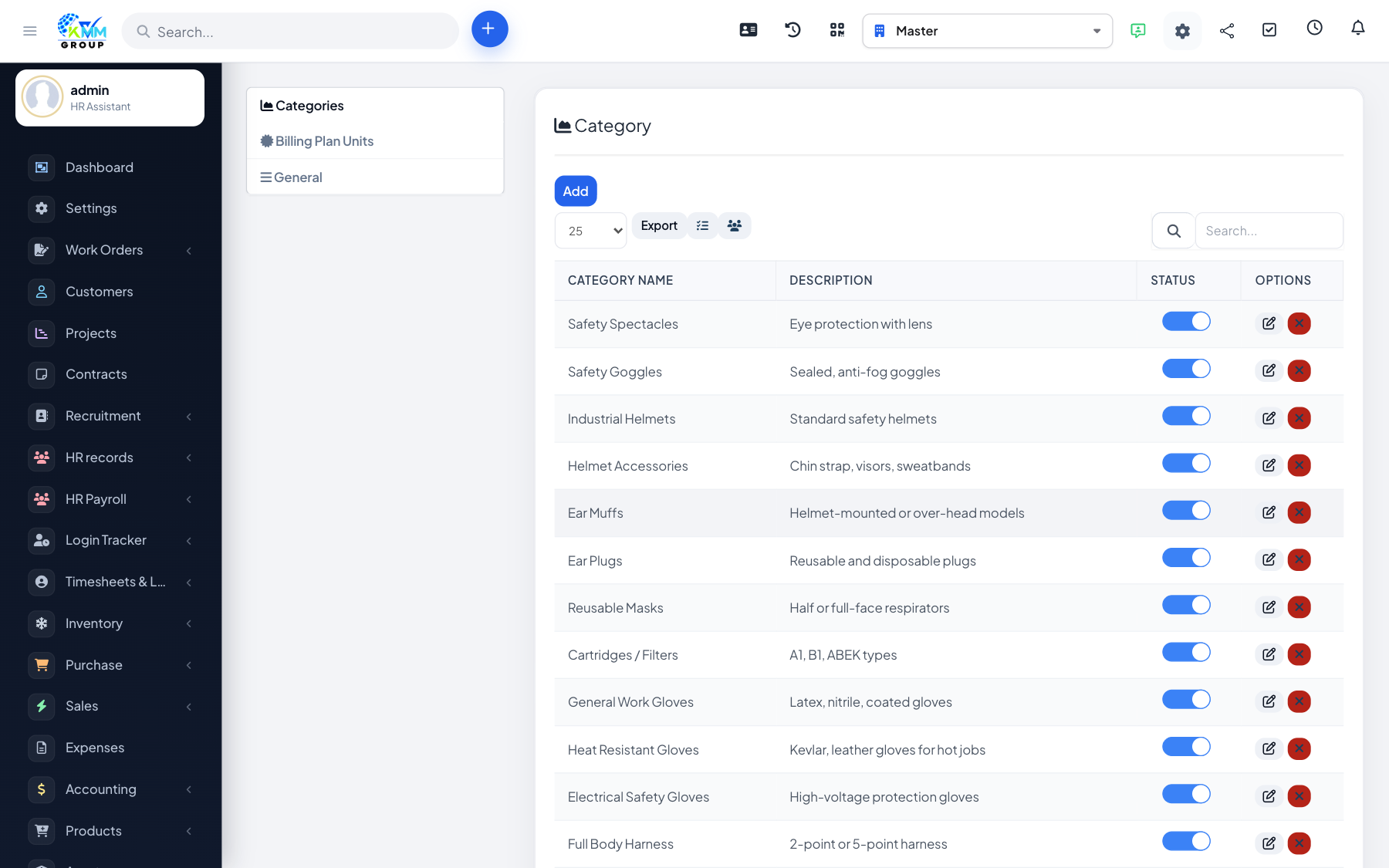
Settings hold categories and other masters used across service products and contracts.

Steps

  1. Go to Service Management > Settings (/admin/service_management/setting?group=category).
  2. Create categories and any other setup tabs your install shows.
  3. Save before adding products or contracts.

Did you find this article useful?

Your feedback helps us improve these articles.

Related Articles

  • Getting Started with Service Management

    Overview Service Management helps you sell and deliver recurring or one-off services: define products/services…

    Read article
  • How to Manage Products and Services

    Overview Products & Services is the catalogue of what you offer under Service Management. Steps Open Produ…

    Read article
  • How to Manage Subscription Services

    Overview Subscription services define recurring offerings (billing cycle, renewals). Steps Go to Subscription …

    Read article
  • How to Manage Service Orders

    Overview Order Management tracks service orders from request through fulfilment. Steps Open Order Management (…

    Read article
  • How to Use Services Management (Calendar)

    Overview Services Management helps schedule and track when services are delivered. Steps Open Services Managem…

    Read article
2026 Copyright SAHARA ENGINEERING