Overview
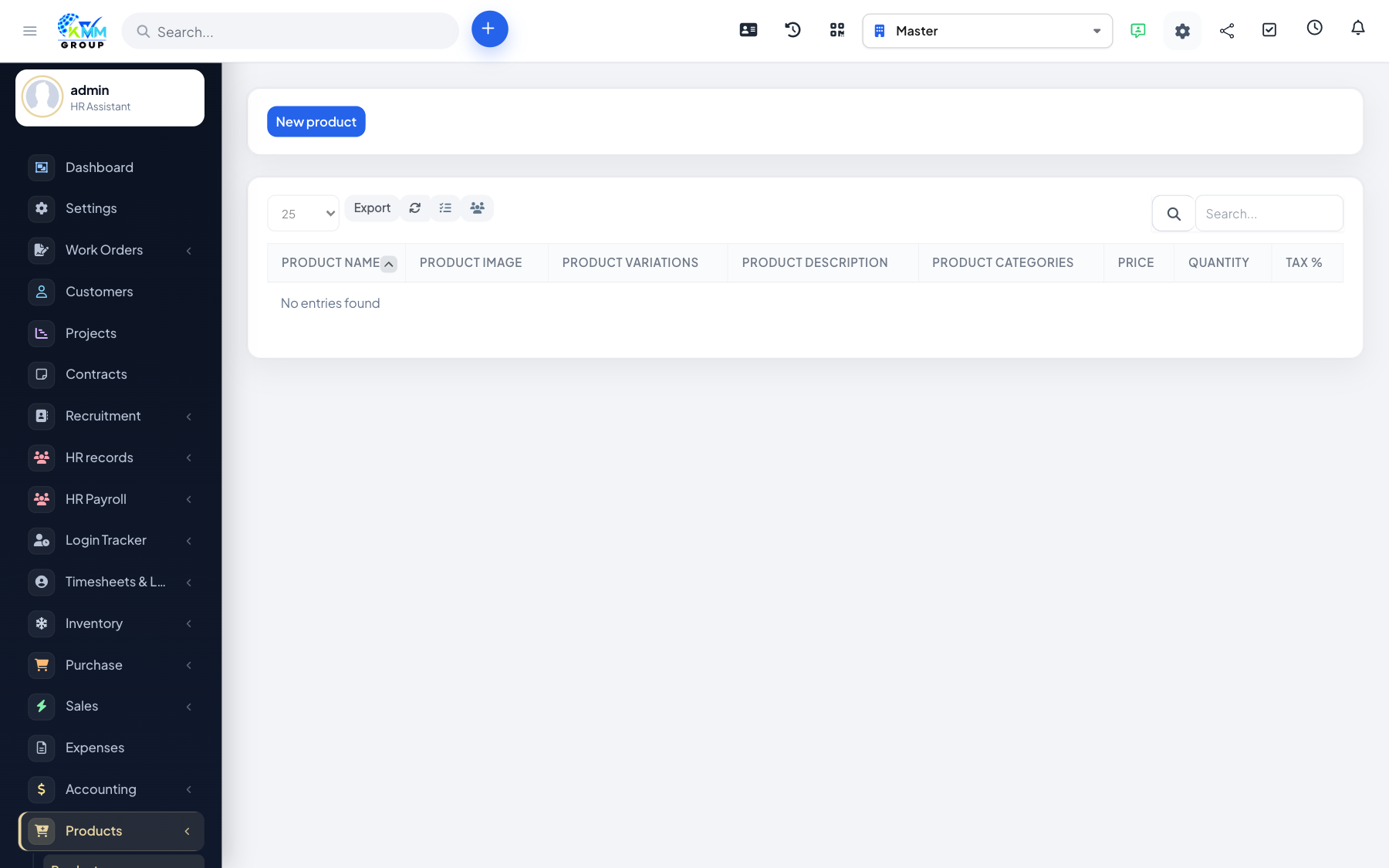
The Products module manages a sellable catalogue with categories, variations and optional coupons. Staff can place orders, and order history / reports show what was sold. It complements Inventory items and Omni Sales channels rather than replacing them.
Where to find it
Open Products in the left sidebar (/admin/products). Children include Products, Categories, Order History, Add New Order, Variations and Coupons (when enabled).
Recommended workflow
- Create Categories.
- Add Products and Variations.
- Optionally set up Coupons.
- Place or review Orders and check Order History.