SAHARA ENGINEERING
  • Products
  • Knowledge Base
  • Register
  • Login

Search Knowledge Base Articles

Knowledge Base / Products / How to Set Up Product Variations
Products

How to Set Up Product Variations

1 min read 36 words

Overview

Variations

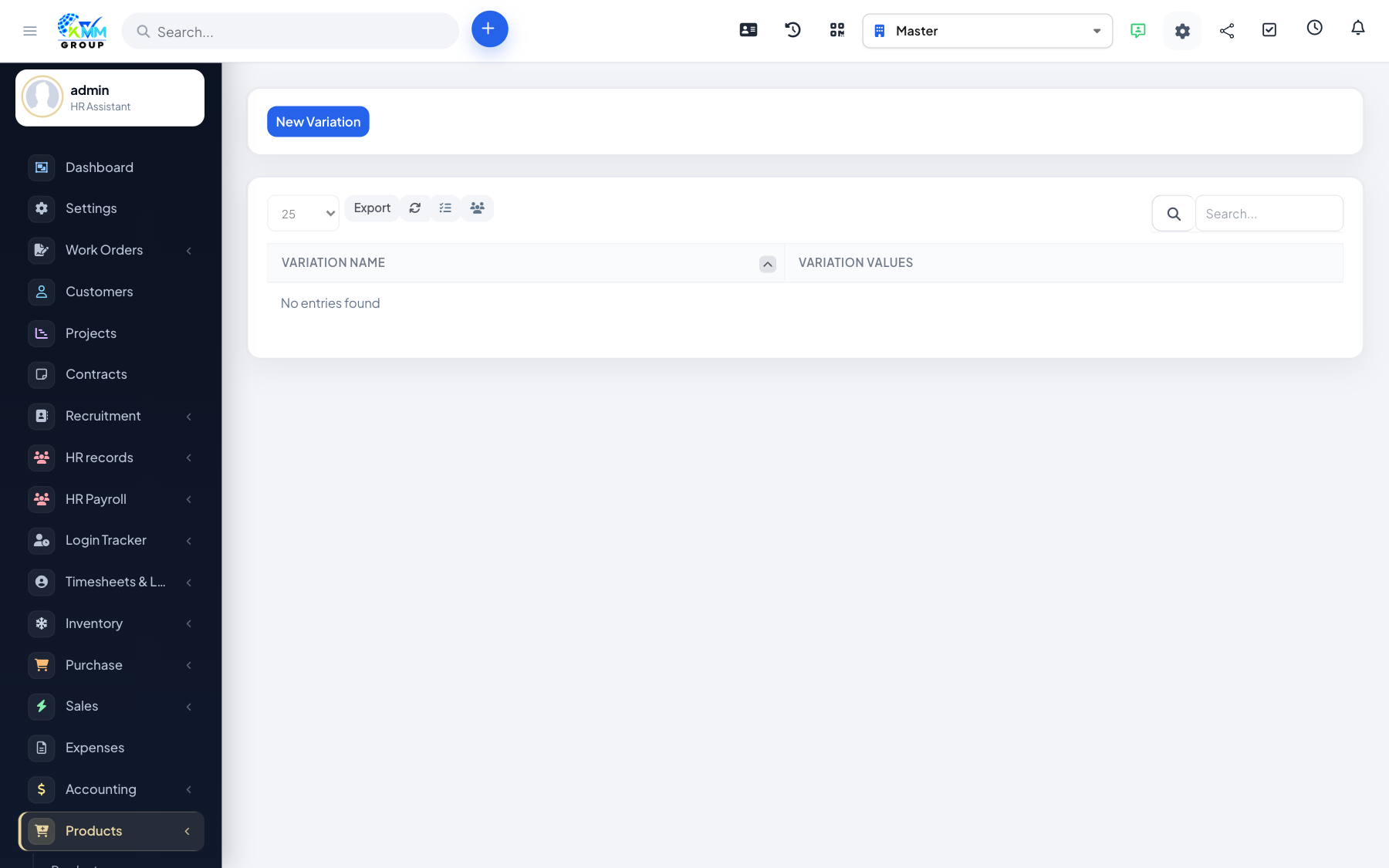
Variations cover size, colour or other options under one product family.

Steps

  1. Open Products > Variations (/admin/products/variations).
  2. Define variation types and values.
  3. Attach variations to products so orders can pick the right option.

Did you find this article useful?

Your feedback helps us improve these articles.

Related Articles

  • Getting Started with the Products Module

    Overview The Products module manages a sellable catalogue with categories, variations and optional coupons. St…

    Read article
  • How to Manage Products and Categories

    Overview Categories organise the catalogue; products are the sellable rows customers or staff order. Steps Go …

    Read article
  • How to Create Coupons

    Overview Coupons apply discounts at order time when the coupons feature is enabled. Steps Confirm coupons are …

    Read article
  • How to Place a Staff Order

    Overview Staff orders let internal users place an order from the catalogue without using the public storefront…

    Read article
  • How to Review Order History and Reports

    Overview Order History and order reports show what was ordered and when. Steps Open Products > Order Histor…

    Read article
2026 Copyright SAHARA ENGINEERING