Overview
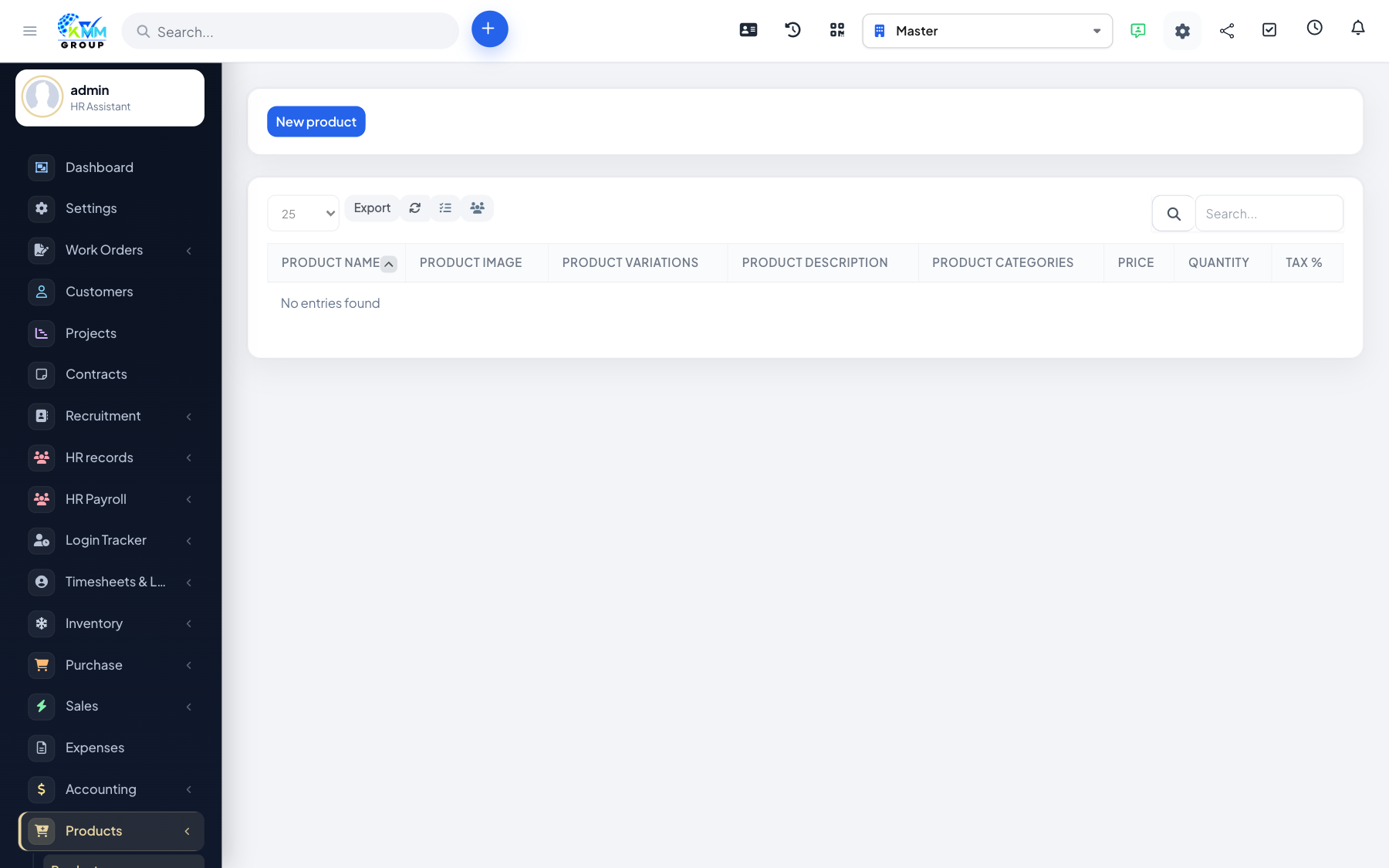
Categories organise the catalogue; products are the sellable rows customers or staff order.
Steps
- Go to Products > Products Categories (
/admin/products/products_categories) and create categories. - Go to Products (
/admin/products) and add products with name, price and category. - Keep descriptions and images clear so staff pick the right SKU.
- Disable or archive products you no longer sell.