Overview
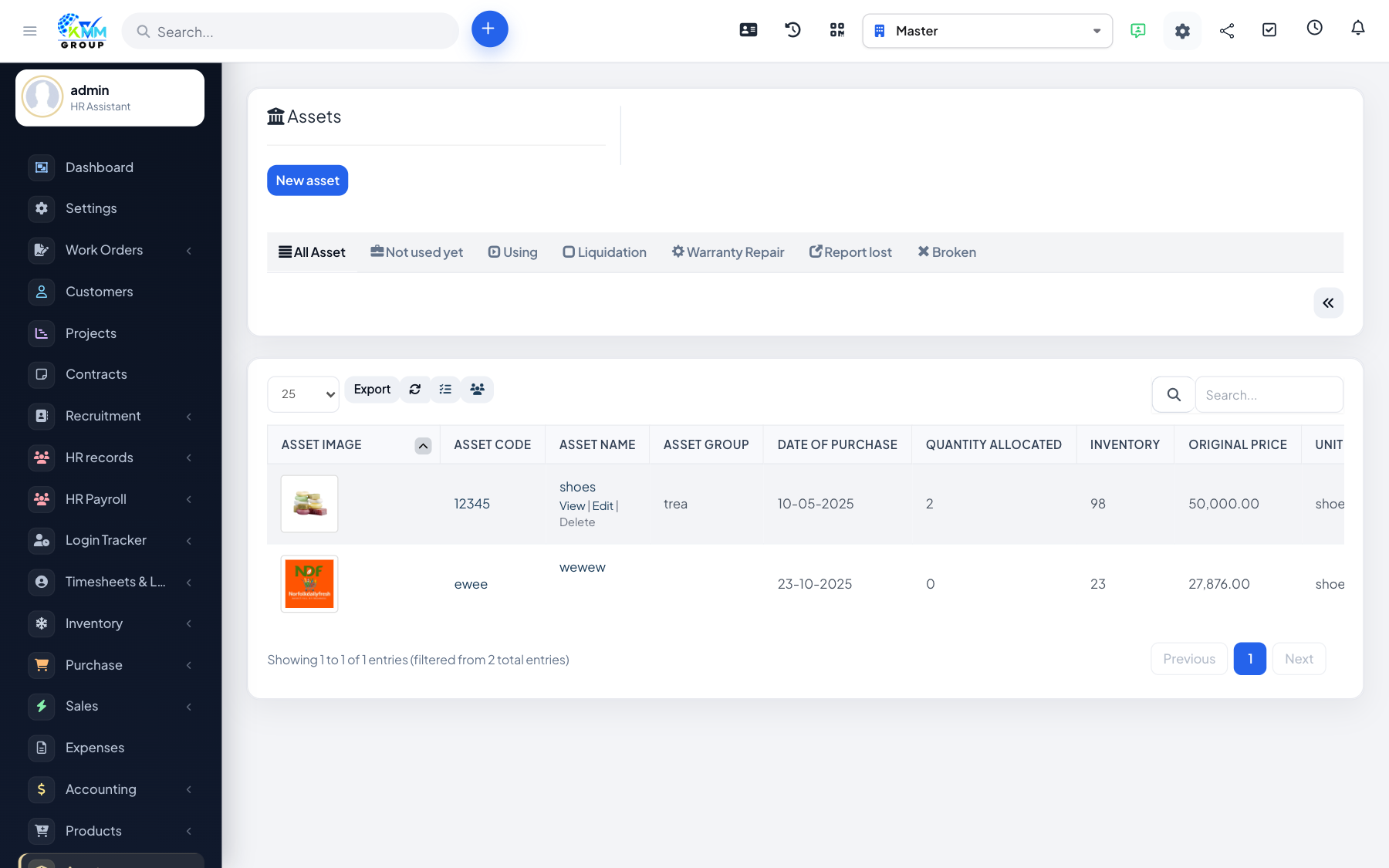
The Assets module tracks fixed assets your company owns — equipment, vehicles registered as assets, furniture and similar items. You maintain a register, allocate assets to staff or locations, return them, and run depreciation.
Where to find it
Open Assets in the left sidebar. You will see Assets, Allocation, Eviction, Depreciation and Settings (/admin/assets/manage_assets).
Recommended setup order
- Configure Settings (asset groups, units, locations).
- Add assets to the register.
- Use Allocation when an asset is issued to someone.
- Use Eviction when it is returned, and Depreciation for periodic write-down.