SAHARA ENGINEERING
  • Products
  • Knowledge Base
  • Register
  • Login

Search Knowledge Base Articles

Knowledge Base / Assets / How to Configure Asset Settings
Assets

How to Configure Asset Settings

1 min read 39 words

Overview

Settings

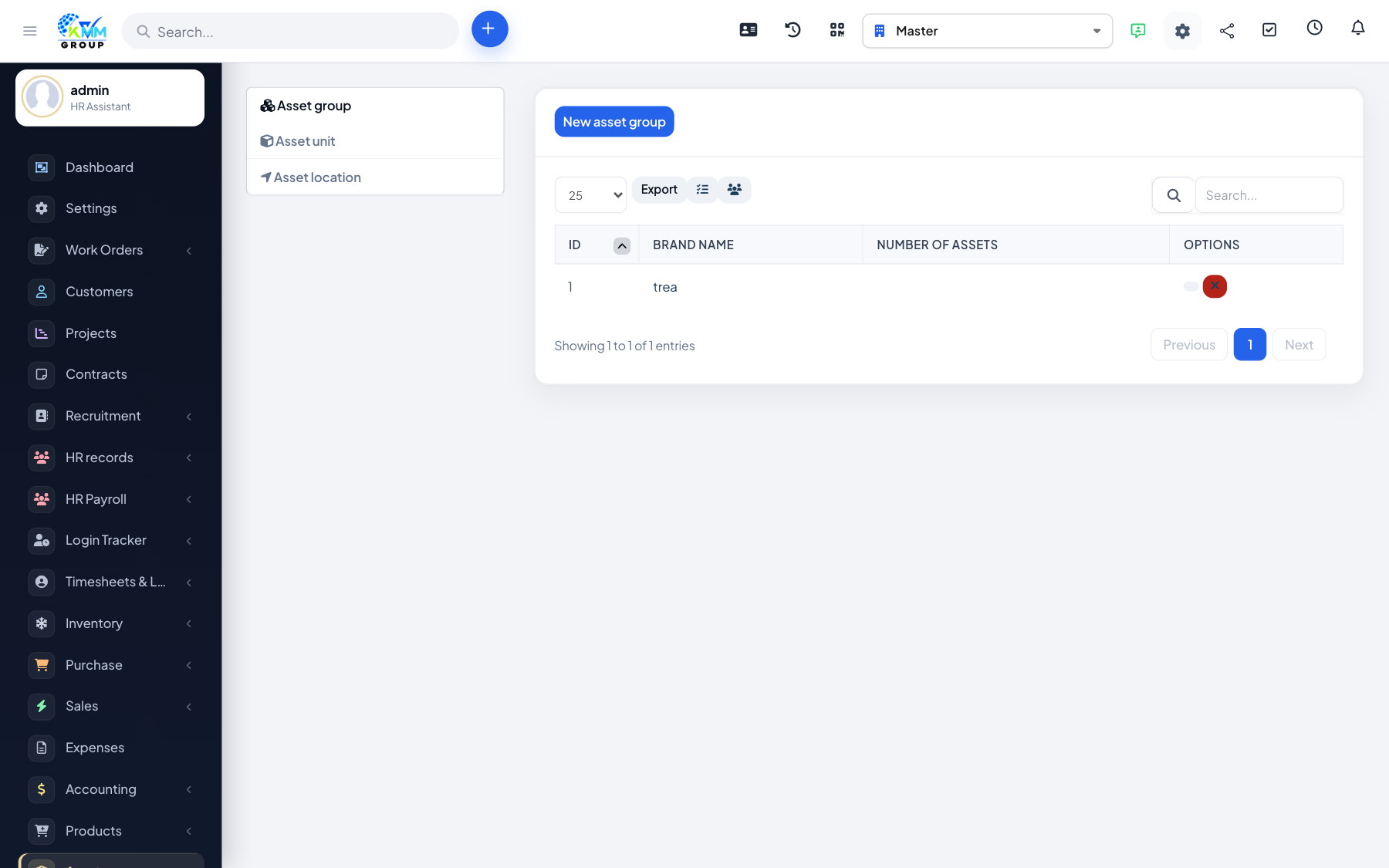
Settings define groups, units and locations used on every asset record.

Steps

  1. Go to Assets > Settings (/admin/assets/setting).
  2. Create asset groups and any location / unit masters you need.
  3. Save before adding assets so dropdowns are ready.

Did you find this article useful?

Your feedback helps us improve these articles.

Related Articles

  • Getting Started with the Assets Module

    Overview The Assets module tracks fixed assets your company owns — equipment, vehicles registered as ass…

    Read article
  • How to Add and Manage Assets

    Overview The asset register is the master list of what you own, with cost, serial numbers and status. Steps Op…

    Read article
  • How to Allocate an Asset

    Overview Allocation records that an asset was issued to a staff member or location. Steps Go to Assets > Al…

    Read article
  • How to Return (Evict) an Asset

    Overview Eviction records return of an allocated asset back to the company pool. Steps Go to Assets > Evict…

    Read article
  • How to Run Depreciation

    Overview Depreciation reduces the book value of an asset over time according to your policy. Steps Go to Asset…

    Read article
2026 Copyright SAHARA ENGINEERING