Overview
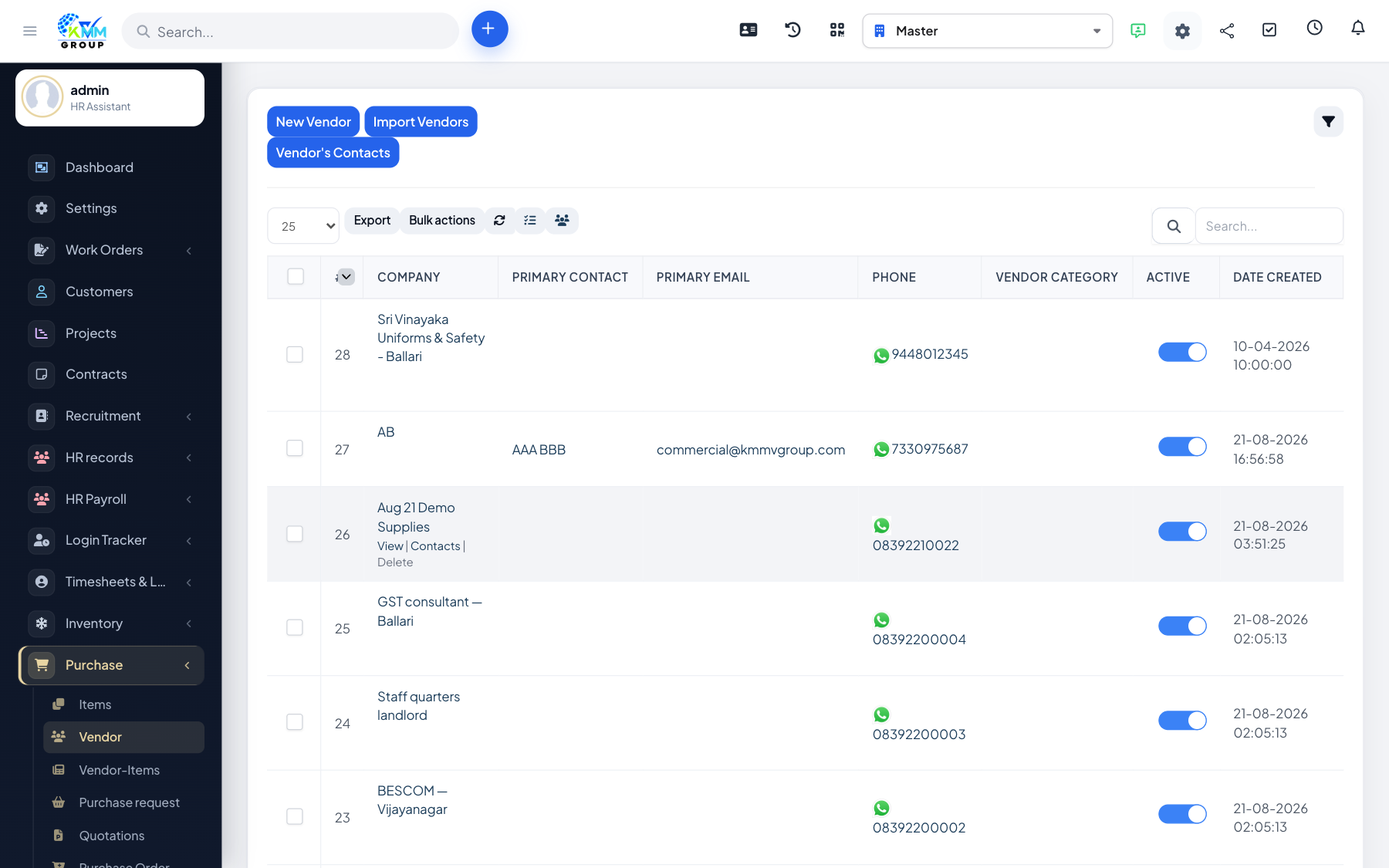
The Purchase module manages buying from suppliers inside the KMMV dashboard. You maintain vendors and items, raise purchase requests, collect quotations, issue purchase orders, receive purchase invoices, handle returns and debit notes, and report on spend. Approved purchase documents can post into Accounting through the Purchase mapping tab.
Where to find it
Open Purchase in the left sidebar. Depending on permissions you will see Items, Vendors, Vendor Items, Purchase Request, Quotations, Purchase Order, Return Orders, Contracts, Debit Notes, Invoices, Reports and Settings.
Key terms
- Vendor — a supplier you buy from.
- Purchase request — an internal ask to buy goods or services.
- Purchase order (PO) — a commitment sent to the vendor.
- Purchase invoice — the vendor bill you owe.
Recommended workflow
- Configure Settings and add Vendors and Items.
- Raise a Purchase Request, then collect Quotations.
- Issue a Purchase Order, then record the Purchase Invoice when the bill arrives.
- Use Reports and Accounting > Transactions > Purchase to verify posting.
Good to know
- A purchase order is a commitment; a purchase invoice is what posts as a payable. Do not confuse the two in Accounting mapping.