Overview
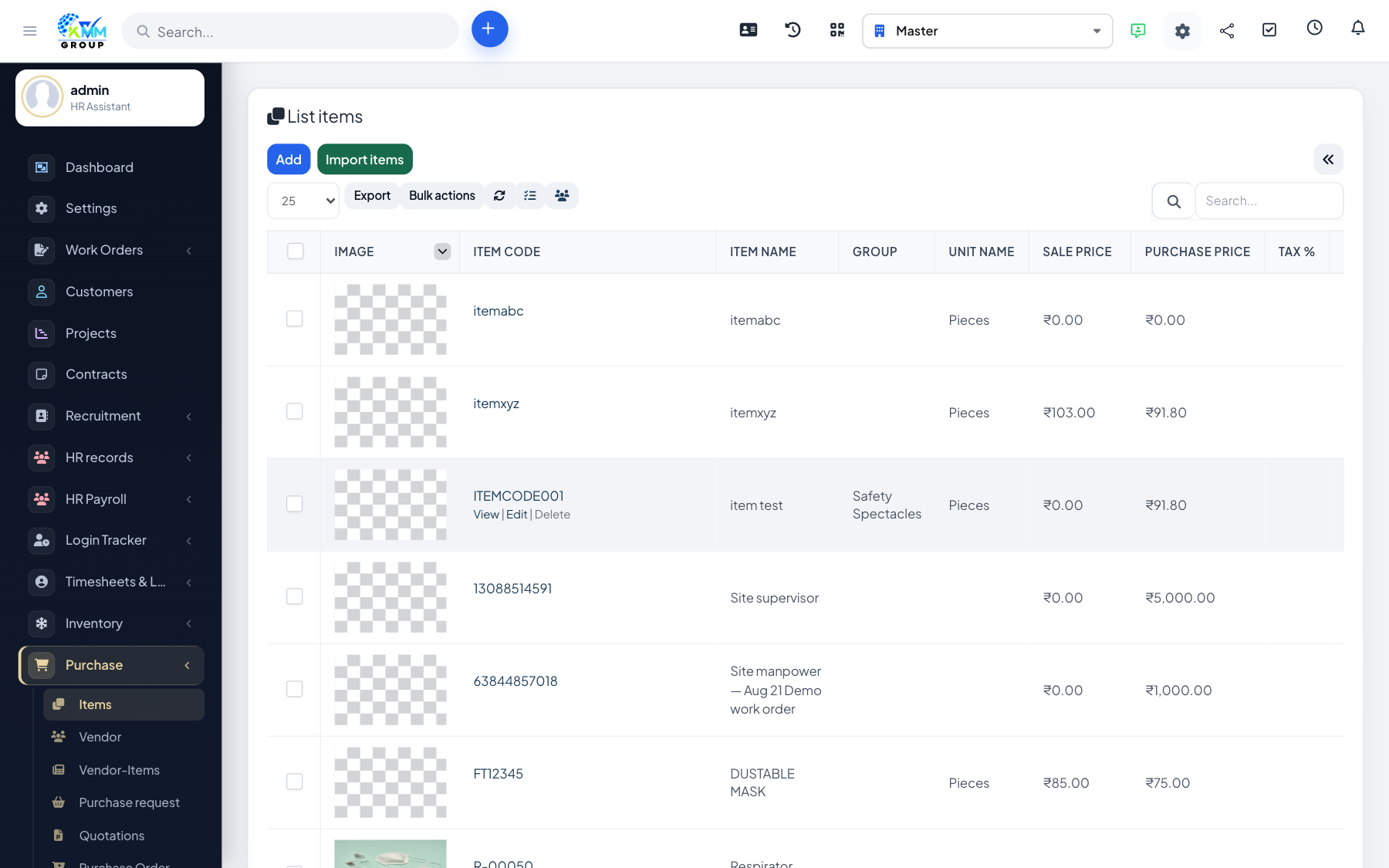
Purchase items are what you buy. Vendor items link a catalogue item to a specific supplier (price, code).
Steps
- Open Purchase > Items (
/admin/purchase/items) to review buyable items. - Open Purchase > Vendor Items (
/admin/purchase/vendor_items) to map items to vendors. - Set vendor-specific codes and rates where they differ from your master item.
- Use those links when building quotations and purchase orders.