SAHARA ENGINEERING
  • Products
  • Knowledge Base
  • Register
  • Login

Search Knowledge Base Articles

Knowledge Base / Purchase / How to Add and Manage Vendors
Purchase

How to Add and Manage Vendors

1 min read 58 words

Overview

Vendors

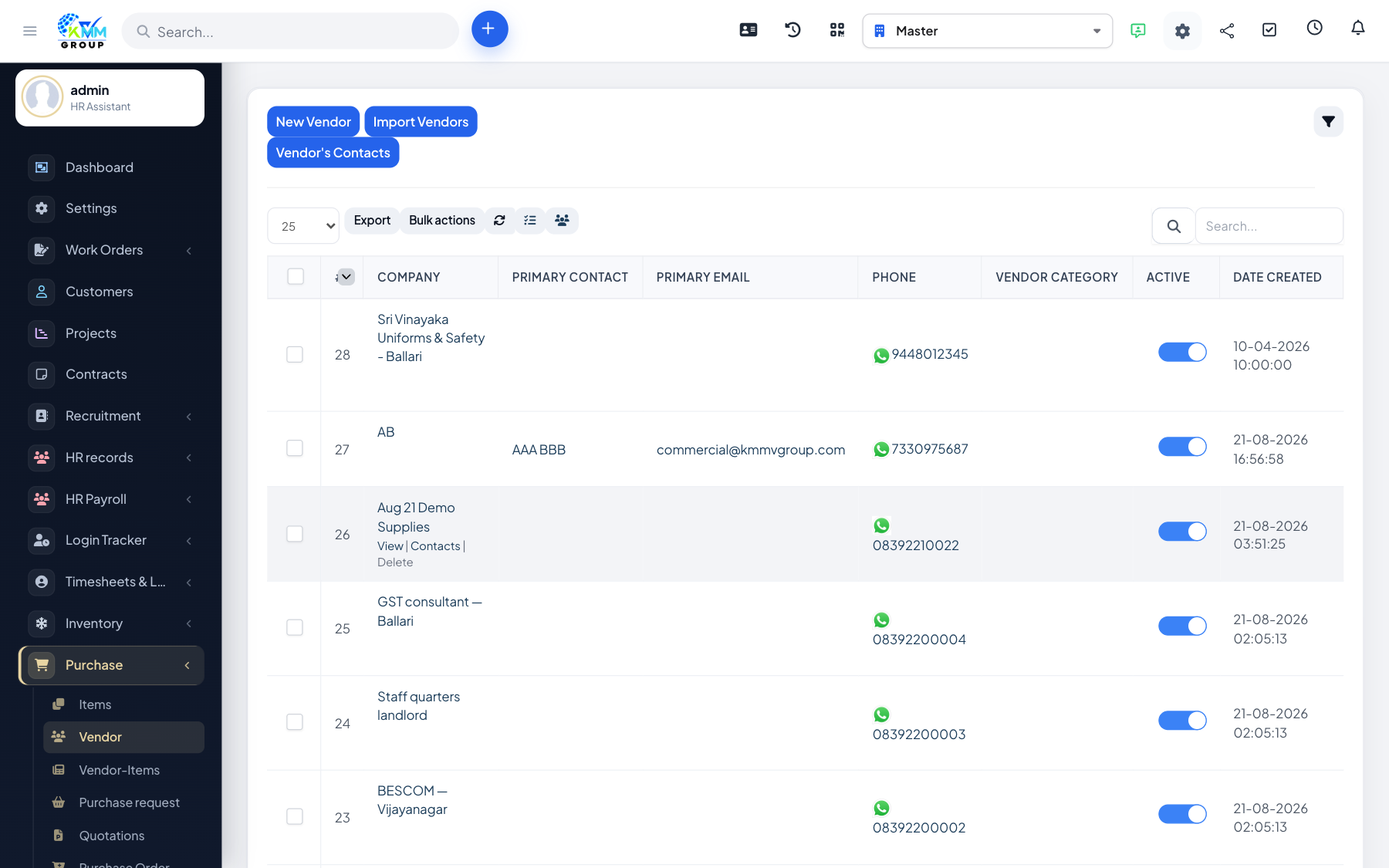
Vendors are the suppliers you buy from. Every PO and purchase invoice needs a vendor.

Steps

  1. Go to Purchase > Vendors (/admin/purchase/vendors).
  2. Add a vendor with company name, contacts, address and payment details.
  3. Open a vendor to manage contacts, notes and related documents.
  4. Keep vendor records up to date so quotations and invoices stay accurate.

Did you find this article useful?

Your feedback helps us improve these articles.

Related Articles

  • Getting Started with the Purchase Module

    Overview The Purchase module manages buying from suppliers inside the KMMV dashboard. You maintain vendors and…

    Read article
  • How to Configure Purchase Settings

    Overview Purchase Settings control approval rules, numbering, and options that appear across requests, POs and…

    Read article
  • How to Manage Purchase Items and Vendor Items

    Overview Purchase items are what you buy. Vendor items link a catalogue item to a specific supplier (price, co…

    Read article
  • How to Create a Purchase Request

    Overview A purchase request is an internal ask to buy something. It starts the buying workflow before a PO is …

    Read article
  • How to Manage Quotations from Vendors

    Overview Quotations capture vendor prices so you can compare offers before committing to a PO. Steps Go to Pur…

    Read article
2026 Copyright SAHARA ENGINEERING