Overview
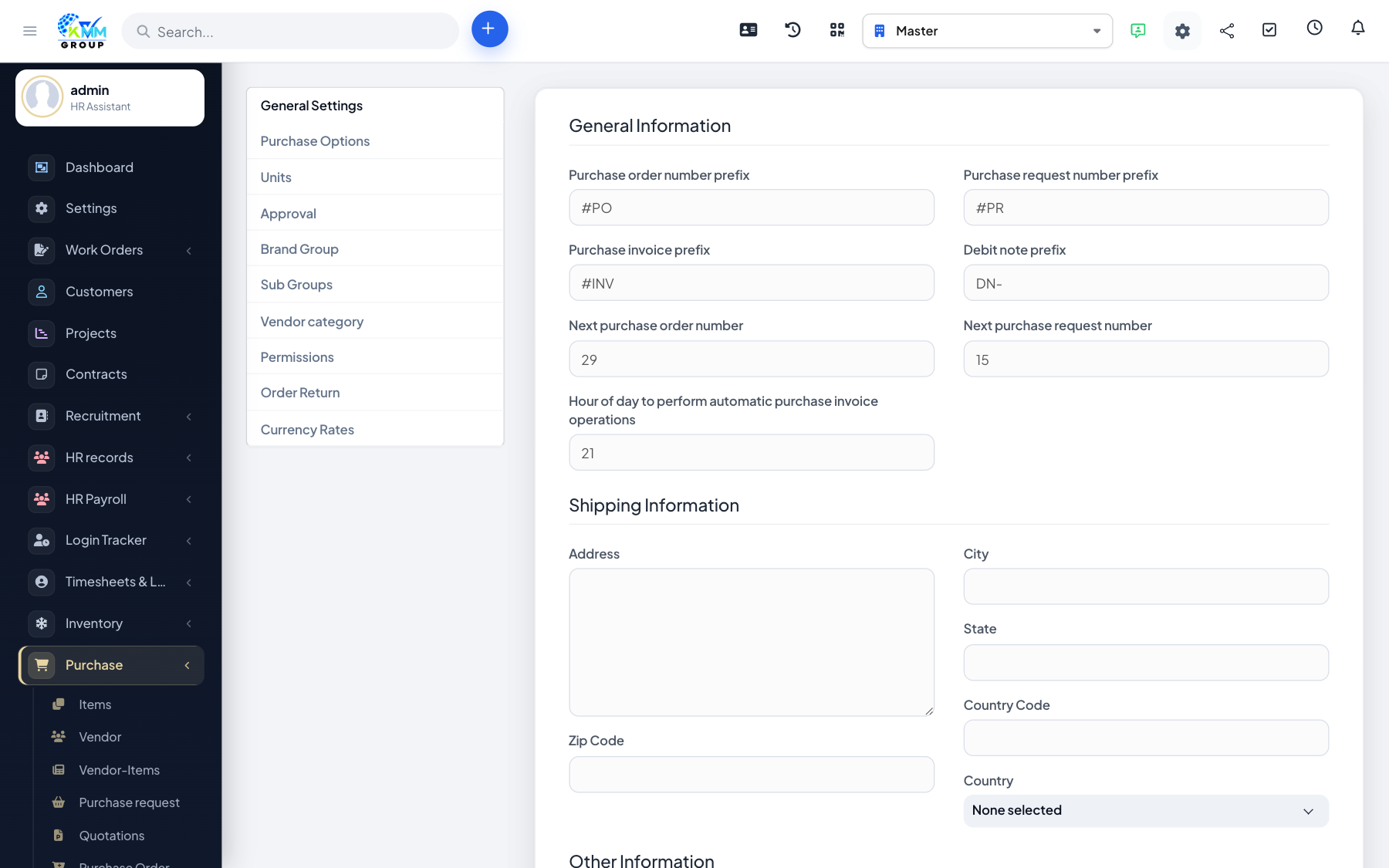
Purchase Settings control approval rules, numbering, and options that appear across requests, POs and invoices.
Steps
- Go to Purchase > Settings (
/admin/purchase/setting). - Review approval settings so the right staff sign off on requests and orders.
- Set prefixes and any company-specific purchase options.
- Save each tab before using the module day to day.
Tips
- Align approval levels with your spending limits before going live.