Overview
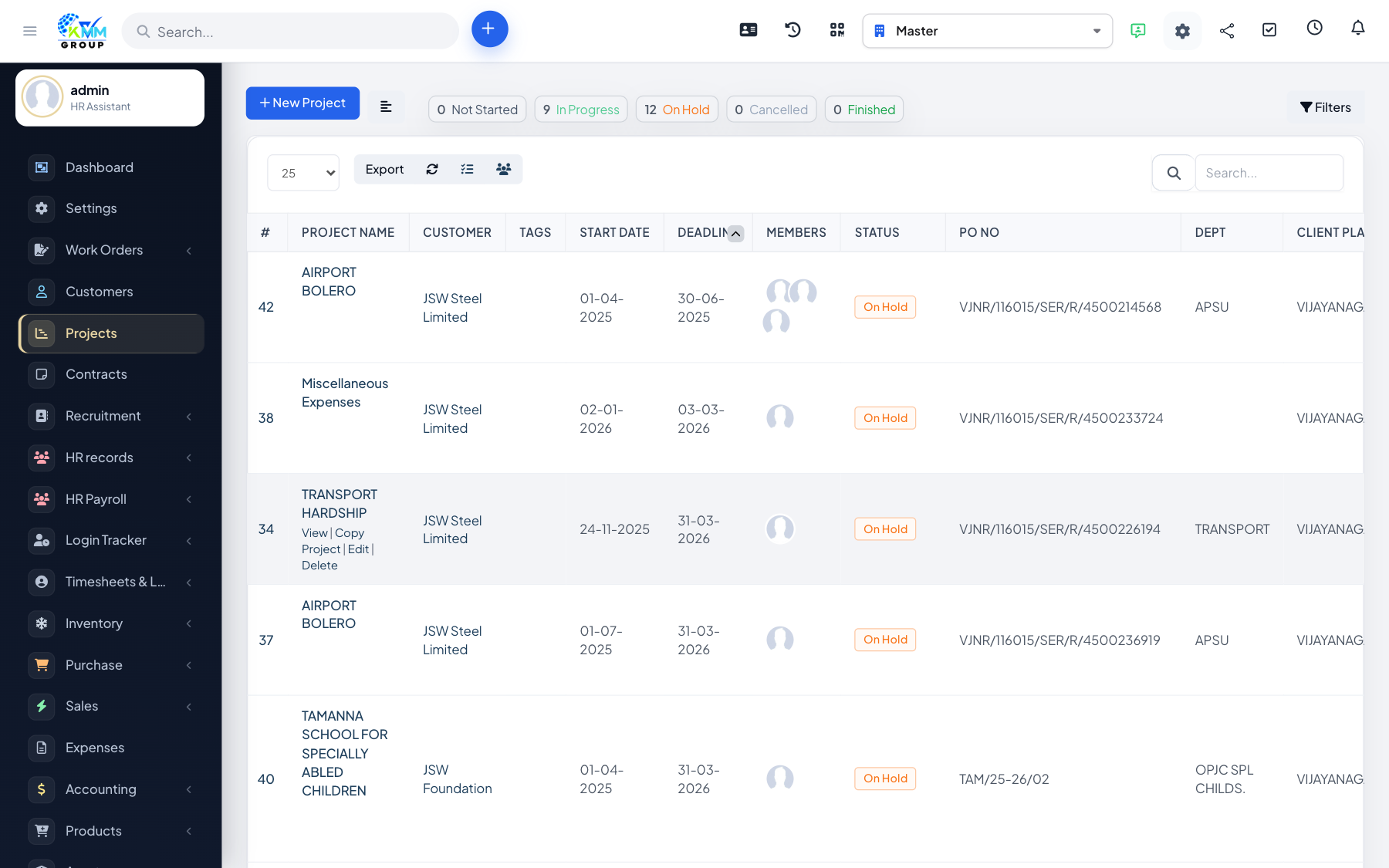
Members are the staff who can access and work on a project. Adding the right people gives them visibility and lets them be assigned tasks and log time.
Steps
- Open a project and edit members to add staff to the team.
- Members can then be assigned tasks and log time against the project.
- Review the member list as the team changes.
- Remove a member when they no longer work on the project.
Tips
- Only add people who need access — it keeps the project focused and notifications relevant.