Overview
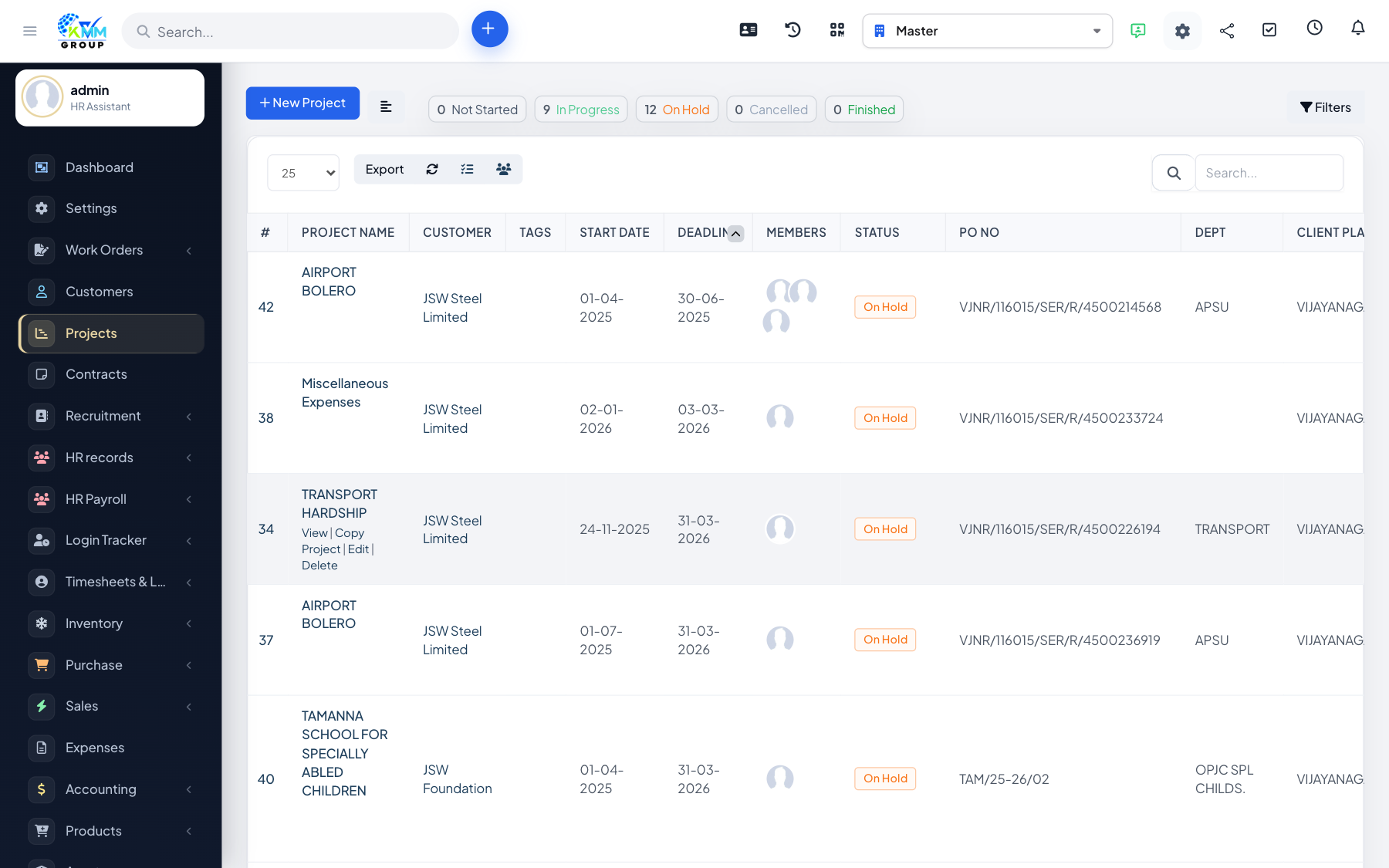
Timesheets record the hours your team spends on project tasks. This data feeds billing (for hourly projects) and shows how much effort a project is really taking.
Steps
- Open the project's Timesheets tab.
- Add a timesheet against a task using start/end times or a total duration.
- Mark time as billable where it should be charged to the customer.
- Billable hours can later be invoiced.
- Use stop all timers to close any timers left running.
Tips
- Encourage the team to log time daily so figures stay accurate and billing is complete.