Overview
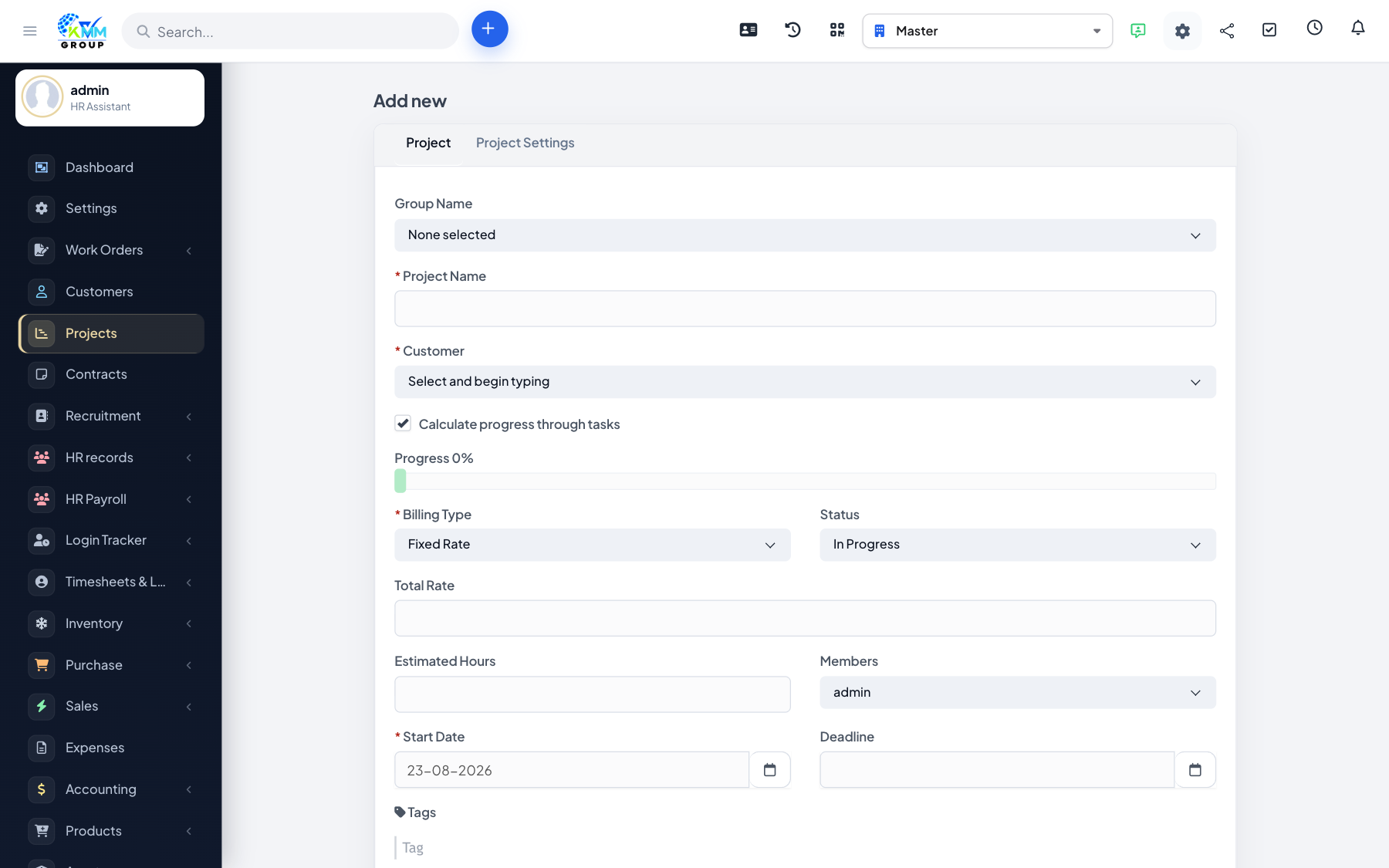
A project record holds the scope, customer, dates, billing type and progress for a piece of work. How you set it up decides how time is billed and what your customer sees.
Steps
- Go to Projects and click New Project (
/admin/projects/project). - Set the project name, customer and billing type (fixed rate, project hours or task hours).
- Set the start/deadline dates and add the team members.
- Choose which tabs/features are visible and how progress is calculated.
- Save; open the project to manage it, and use mark as to change its status (e.g. in progress, on hold, finished).
Tips
- Pick the billing type carefully — it decides whether you bill a fixed price or by logged hours.