Overview
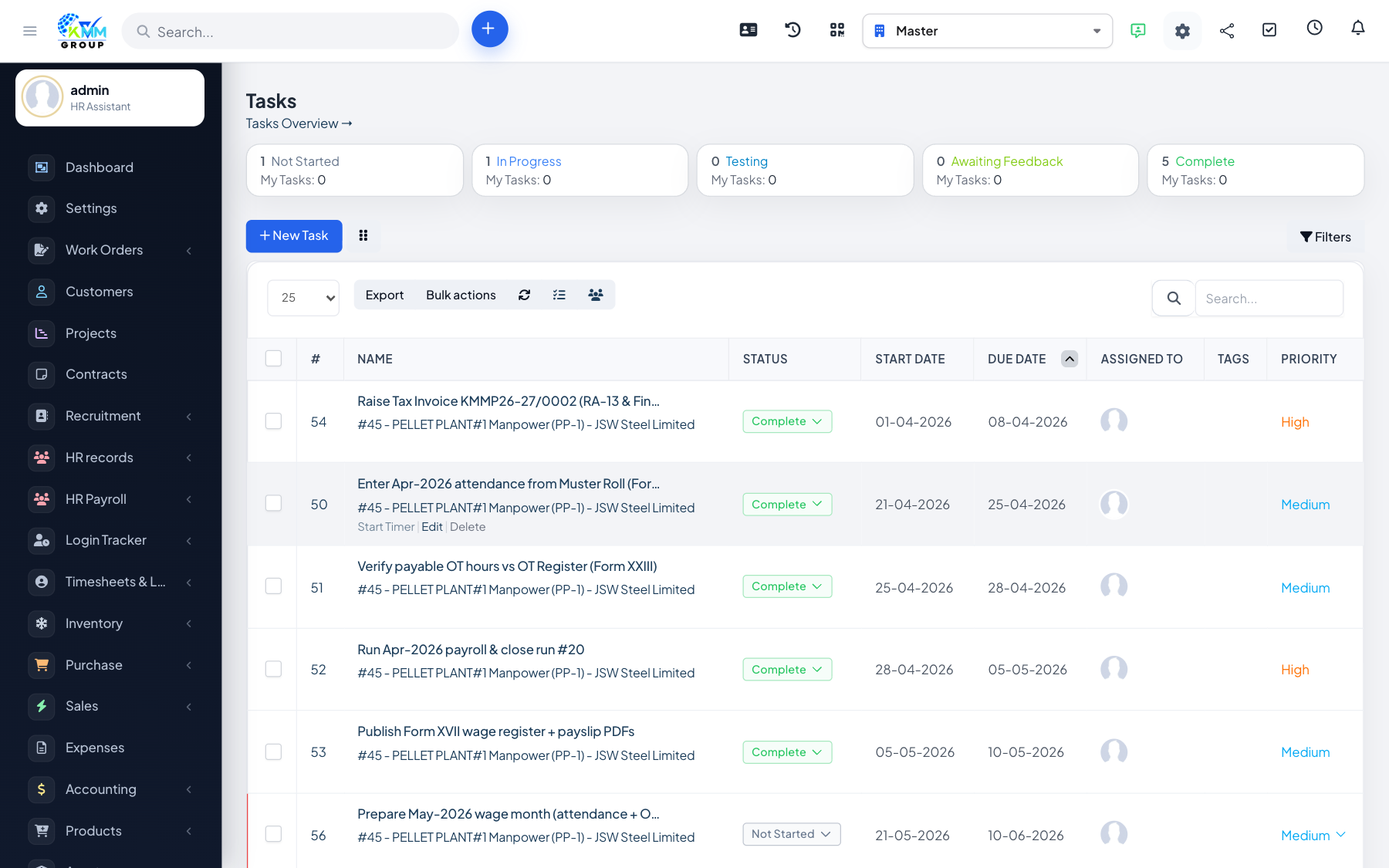
Tasks are the individual units of work. Each can be assigned to people, given a priority and dates, timed, and linked to a milestone so the project stays organised.
Steps
- Open the project's Tasks tab and add a task with assignees, dates and priority.
- Link the task to a milestone so it rolls up into the right stage.
- Add checklist items, followers and attachments for detail.
- Assignees start/stop timers or log time as they work.
- Move the task through its statuses (e.g. not started, in progress, complete).
Tips
- Break big pieces of work into smaller tasks so progress and time are easier to track.