Overview
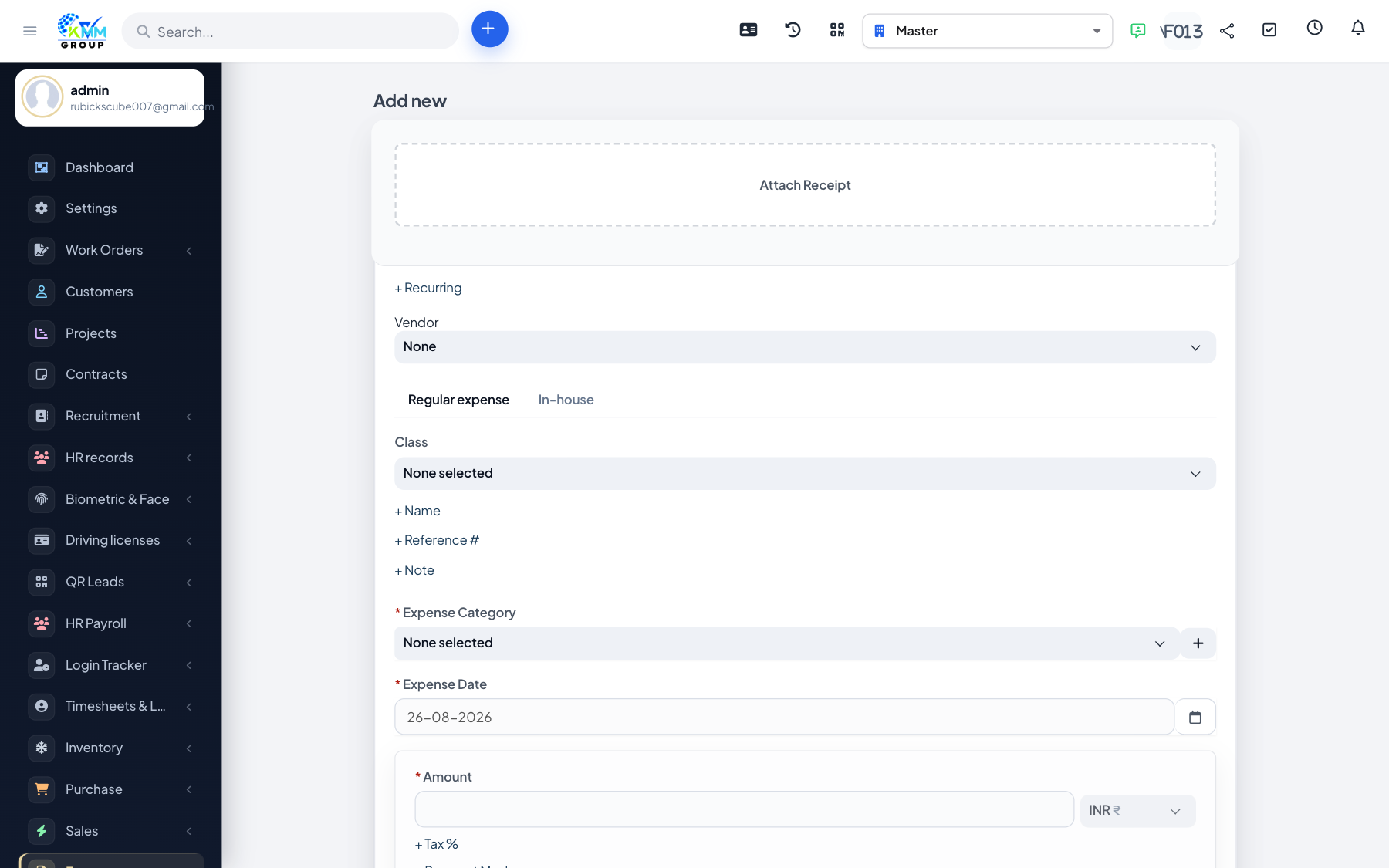
A normal expense is the standard Perfex form. It posts through Accounting expense mapping when configured.
Steps
- Open Expenses (
/admin/expenses) and click New Expense (/admin/expenses/expense). - Choose Category (from
/admin/expenses/categoriesif you need a new one). - Enter amount, date, payment mode, and notes.
- Optionally set Customer and/or Vendor (Purchase hook), project, and billable.
- Attach receipt files and save.
- Confirm the row appears on
/admin/expenseswith Type = regular (not in-house).
Do not use this form for staff advance drawdowns — use the in-house claim instead so the release balance stays correct.