Overview
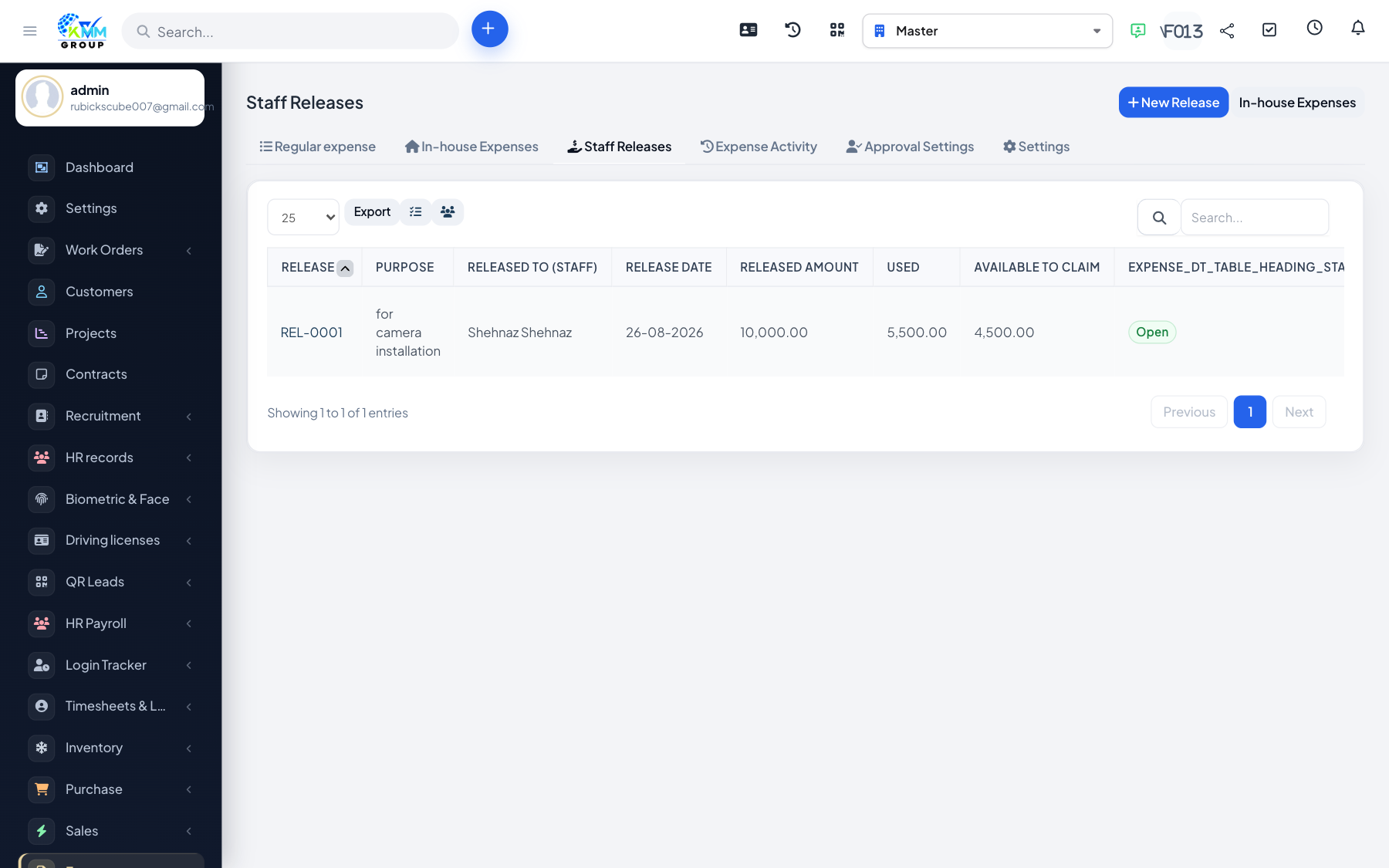
In-house flow: Release → Claim → Approval → Expense. The expense row is still a vendor tblexpenses record, linked by kmmv_eb_claim_id.
Steps
- Configure Approval Settings (
/admin/kmmv_expense_budget/approval_settings) and optional ledger accounts under Settings (/admin/kmmv_expense_budget/settings). - Create a Staff Release (
/admin/kmmv_expense_budget/release): staff member, amount, purpose. - Staff open In-house Claims (
/admin/kmmv_expense_budget/inhouse) and claim against that release (category, amount ≤ remaining balance, attachments). - Approvers complete the configured steps.
- On final approve, the system creates the Perfex expense (and invoice when configured).
- Find it under
/admin/expenseswith Type = in-house.