Overview
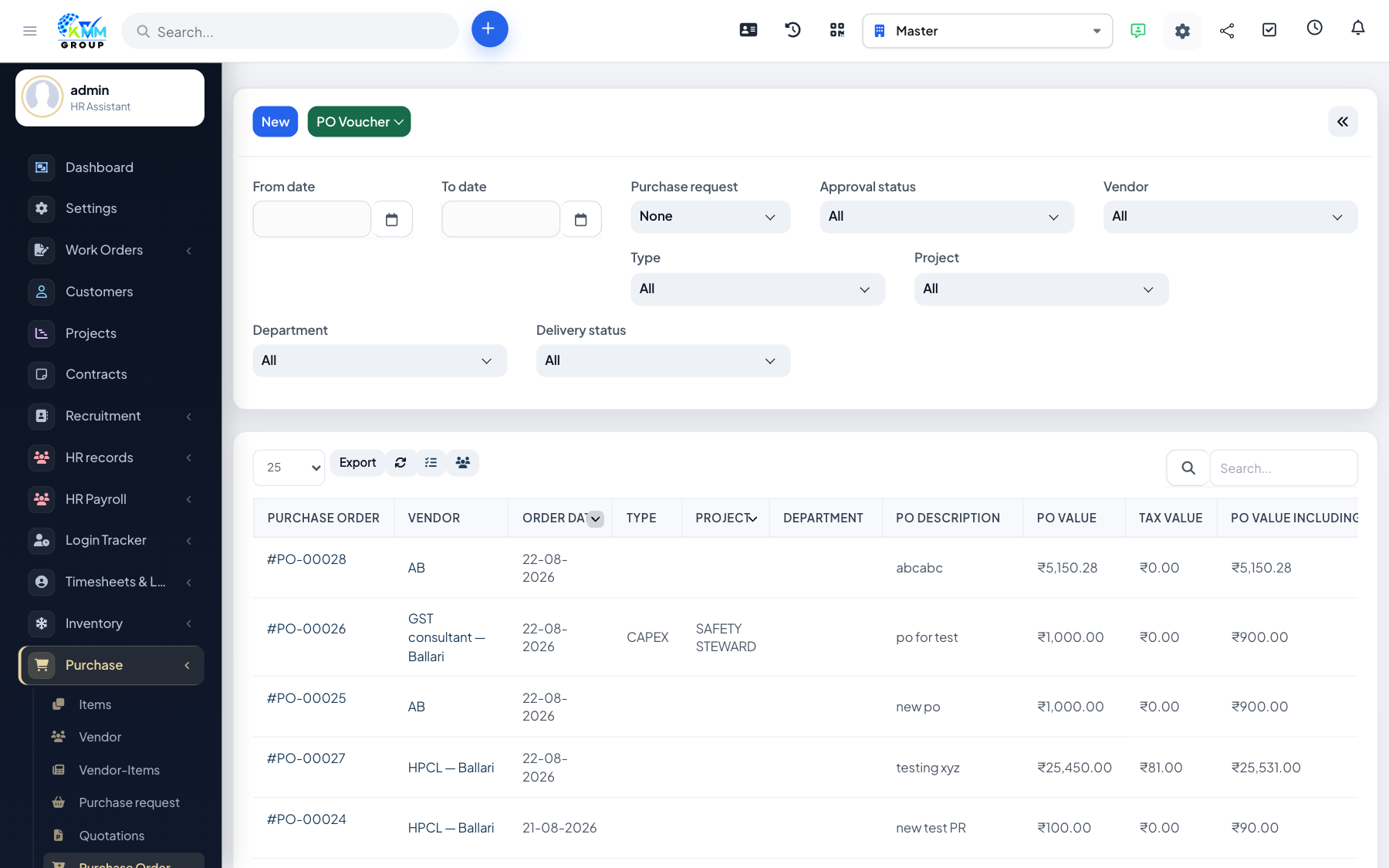
A purchase order is the formal commitment you send to a vendor. Stock and payables usually follow from receiving and invoicing, not from the PO alone.
Steps
- Go to Purchase > Purchase Order (
/admin/purchase/purchase_order). - Create a PO with vendor, items, quantities, rates and delivery details.
- Send or approve the PO per your process.
- Track status until goods are received and the purchase invoice is recorded.
Tips
- In Accounting, PO automatic conversion should stay off unless finance explicitly wants commitment postings.