Overview
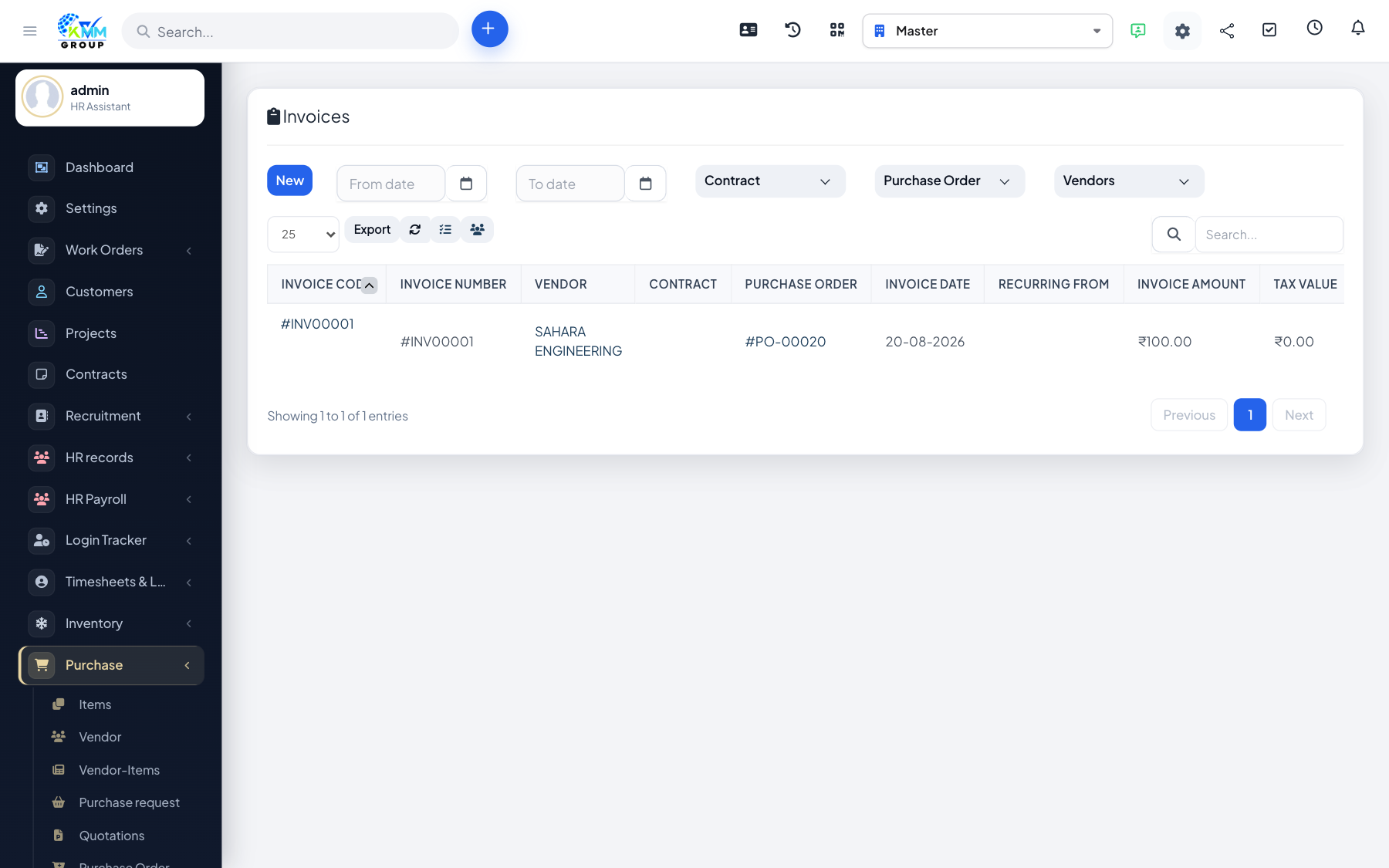
A purchase invoice is the vendor bill. This is the document that typically posts Accounts Payable and expense/inventory into Accounting.
Steps
- Go to Purchase > Invoices (
/admin/purchase/invoices). - Create an invoice for the vendor, matching PO lines where possible.
- Enter taxes, amounts and due date, then save.
- In Accounting, confirm the document appears under Transactions > Purchase after mapping rules run.