Overview
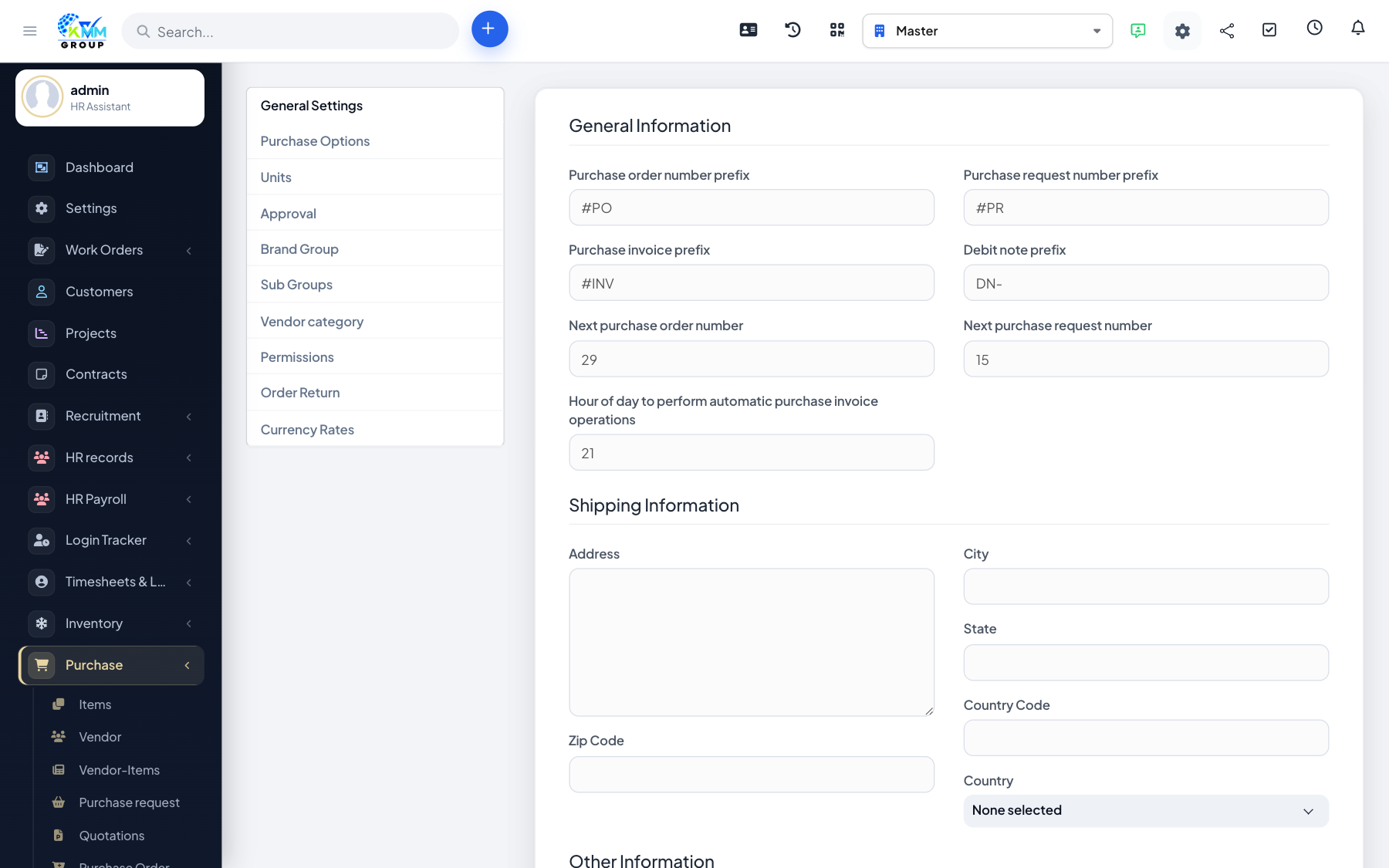
Purchase uses granular permissions (view / view own / create / edit / delete) for vendors, requests, POs, invoices and settings.
Steps
- Go to Setup > Staff > Roles and open the role that buys.
- Enable only the Purchase capabilities that role needs.
- Configure approval chains under Purchase Settings.
- Test with a non-admin user that they can raise a request but cannot bypass approval.