Overview
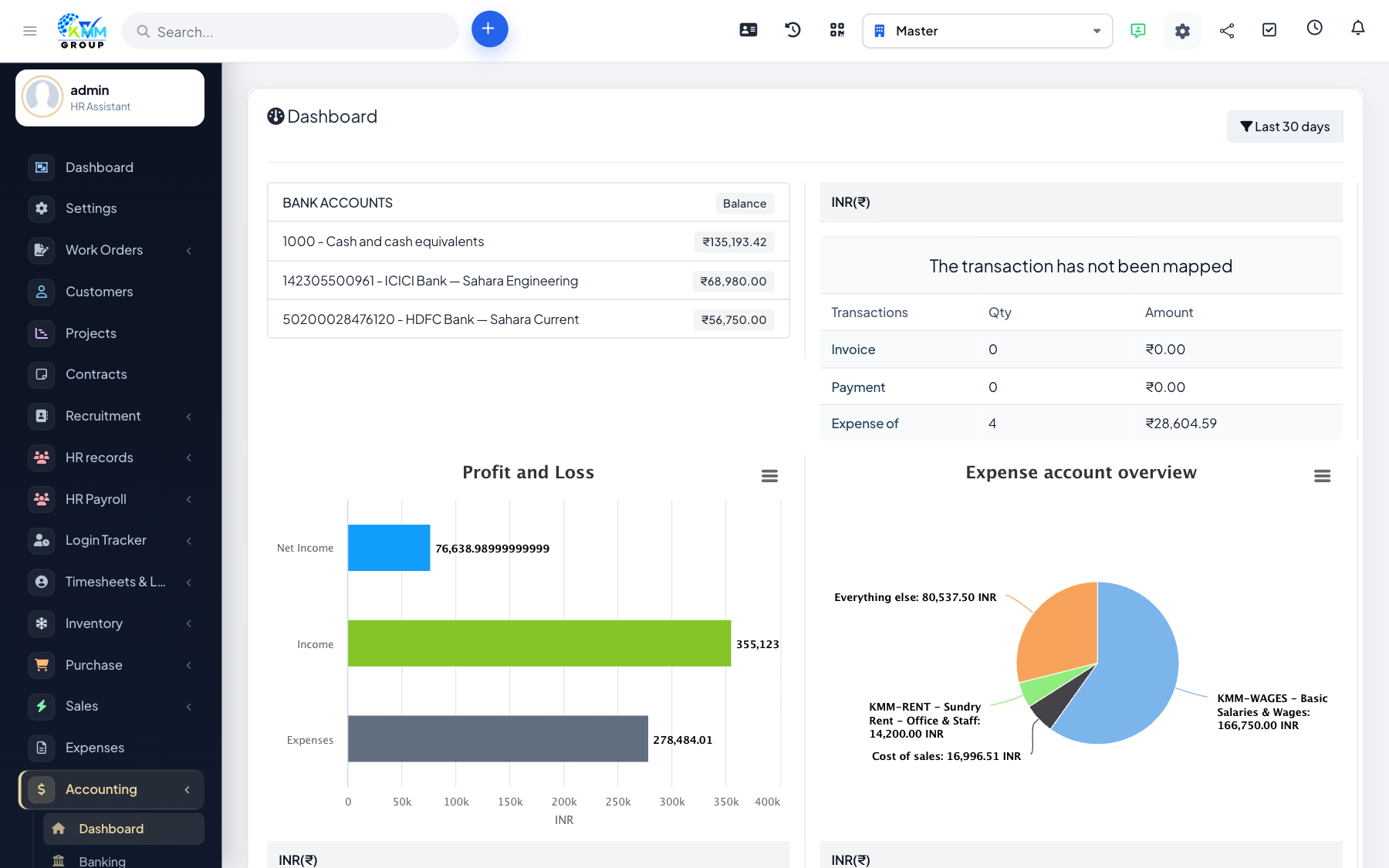
The Accounting & Bookkeeping module gives KMMV a full double-entry accounting system built into the KMMV dashboard. It automatically converts invoices, payments, expenses, payslips, purchases and stock movements into accounting entries.
Step-by-step: first-time setup
- Open Accounting > Settings > General (
https://dashboard.kmmvgroup.org/admin/accounting/setting?group=general). - Set the First month of financial year. For India use April.
- Set the Accounting method: choose Accrual to record income when you raise an invoice, or Cash to record it when payment is received.
- Enable Account numbers if you want numbered ledgers (recommended).
- Save the settings.
- Go to Accounting > Chart of Accounts and confirm the default accounts have been created.
- Go to Accounting > Settings > Mapping Setup to turn on automatic conversion for invoices, payments and expenses.
Tip
Admins have full access automatically. Other staff need the Accounting permissions granted under Setup > Roles or on their staff profile.