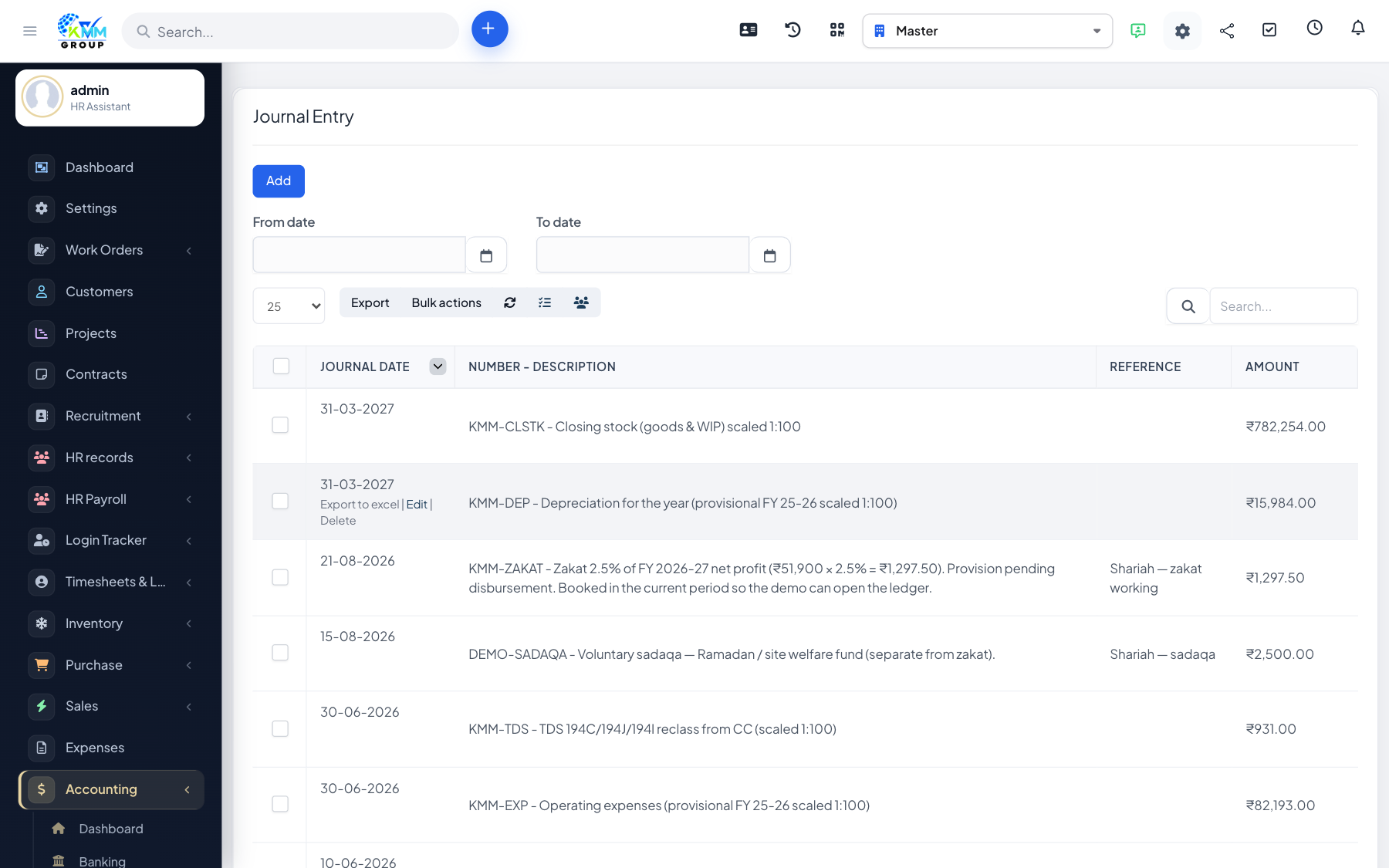
When to use a journal entry
Use manual journal entries for adjustments that do not come from an invoice, payment or expense — for example depreciation, accruals, or correcting entries.
Step-by-step
- Go to Accounting > Journal Entry (
https://dashboard.kmmvgroup.org/admin/accounting/journal_entry). - Click New Journal Entry.
- Set the date and an optional reference number.
- In the grid, pick an account for each line.
- Enter the amount in the Debit or Credit column.
- Add a description per line for the audit trail.
- Make sure total debits equal total credits — the entry will not save otherwise.
- Click Save.
Recurring journal entries
Mark an entry as recurring to have the system re-post it automatically on schedule (processed by the nightly cron job). Useful for monthly depreciation or rent accruals.
Export
Open any saved journal entry and use Export to download it as an Excel file.