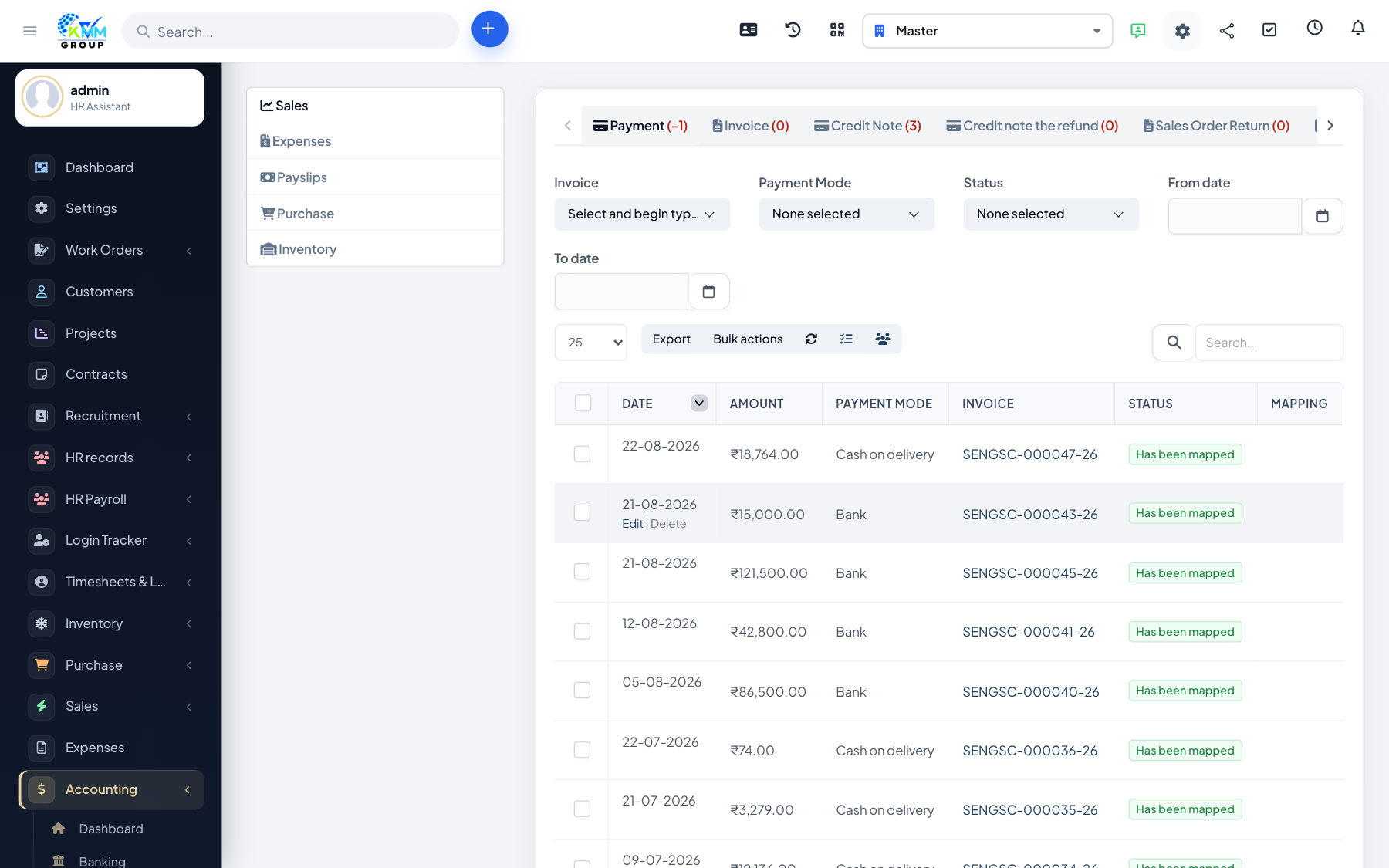
Bills
Bills track money you owe to vendors.
Step-by-step: create a bill
- Go to Accounting > Bills (
https://dashboard.kmmvgroup.org/admin/accounting/bills). - Click New Bill.
- Select the vendor and enter the bill date and due date.
- Add line items with account, description and amount.
- Attach the supporting document if you have one.
- Click Save, then Approve the bill so it becomes payable.
Step-by-step: pay a bill
- Open the bill and click Pay Bill (
https://dashboard.kmmvgroup.org/admin/accounting/pay_bill). - Select the bank/cash account the payment comes from.
- Enter the payment amount (full or partial).
- Click Save — the payable balance updates automatically.