Overview
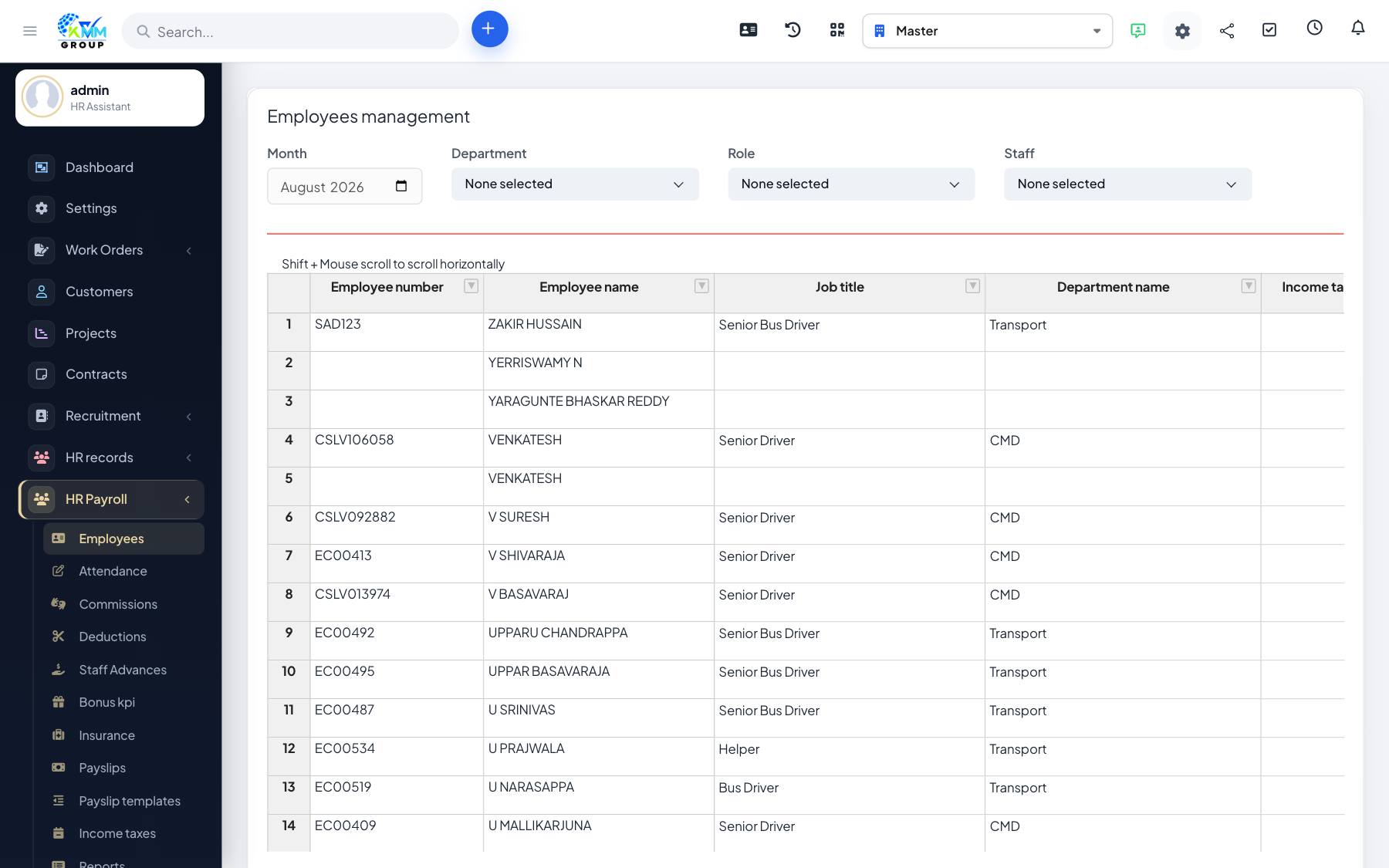
The HR Payroll module runs your payroll from start to finish inside the KMMV dashboard. It manages payroll employees and their salary structure, gathers attendance, commissions, deductions, bonuses and insurance, calculates income tax, and produces payslips from templates you control — plus reports on the total cost of pay.
Where to find it
Open HR Payroll in the left sidebar. Depending on permissions you will see Manage Employees, Manage Attendance, Manage Commissions, Manage Deductions, Bonus/KPI, Insurance, Pay Slips, Pay Slip Templates, Income Tax, Reports and Settings.
How a payroll run fits together
Each payslip is built from an employee's salary structure (earnings and deductions), adjusted by their attendance, plus any commissions, bonuses and deductions for the period, minus tax and insurance — laid out using a payslip template.
Recommended setup order
- Configure Settings: earnings, deductions, insurance, company contributions and income-tax rates.
- Add or import payroll employees with their salary structure.
- Record or import attendance (or integrate timesheets/leaves).
- Build a payslip template, then generate and close payslips for the period.
- Review reports and export payslips / Form 16.
Good to know
- Every screen is controlled by granular HR Payroll permissions (view / view own / create / edit / delete).