Overview
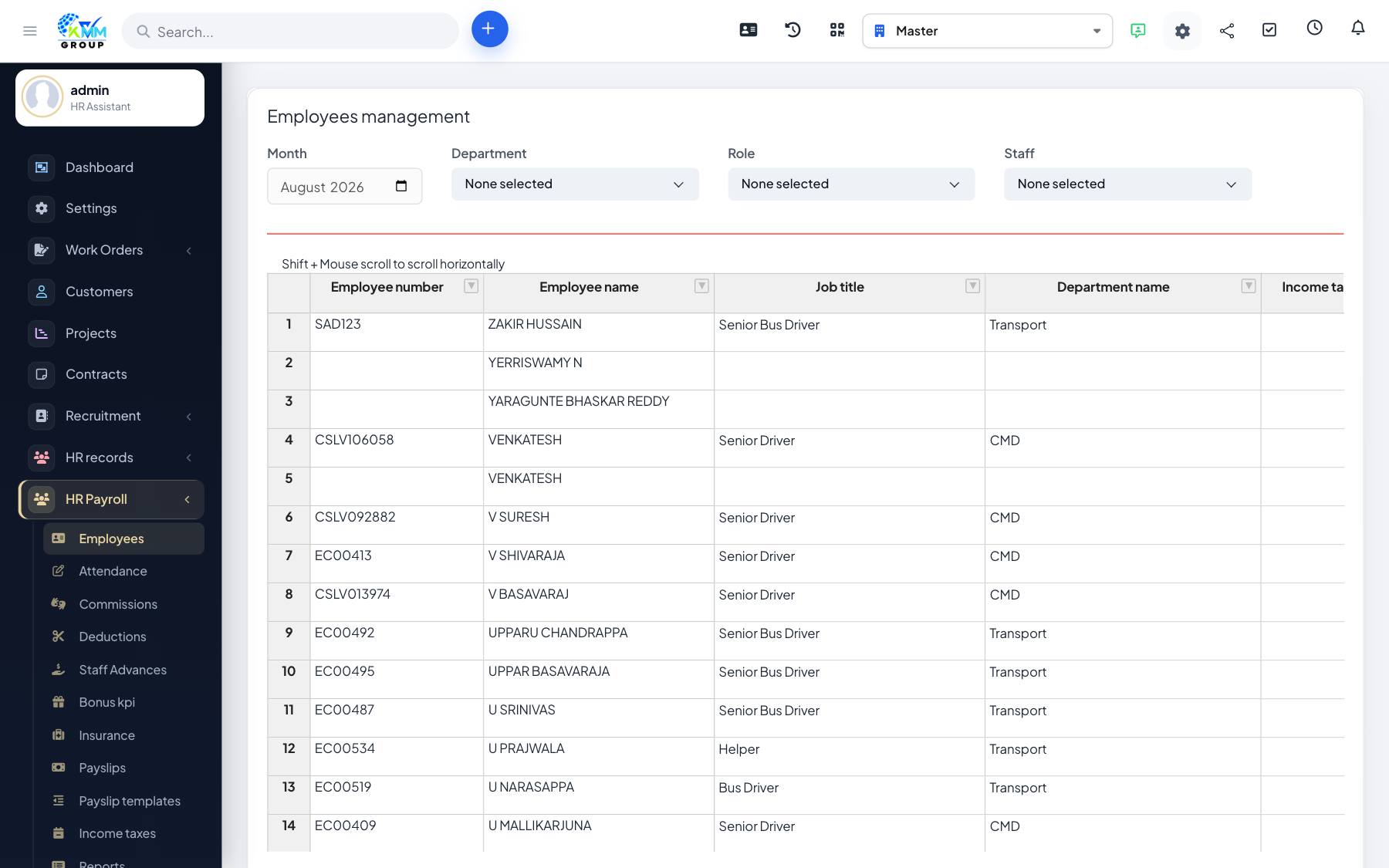
A payroll employee holds the salary structure used to calculate pay — their earnings, deductions and insurance. This is separate from the HR record and focuses purely on what the person is paid.
Steps
- Go to HR Payroll > Manage Employees (
/admin/hr_payroll/manage_employees). - Add an employee and set their earnings, deductions and insurance components.
- Filter the list by month, staff, department or role to find people quickly.
- Export an employee's details to PDF when you need a record.
- Use copy to reuse one salary structure across similar employees.
Tips
- Copying a structure is the fastest way to onboard many employees on the same pay grade.