Overview
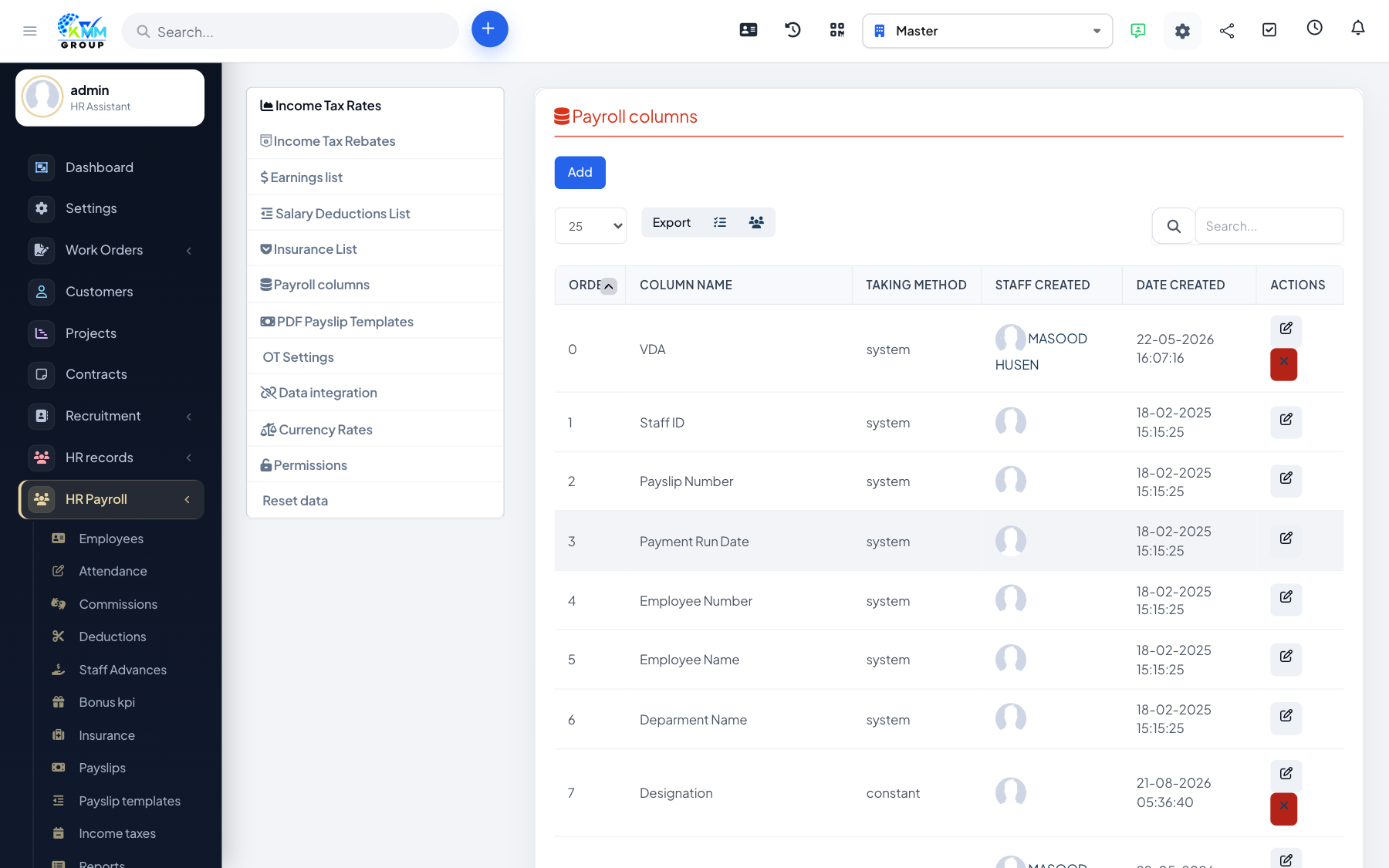
Payroll settings define the pay components — the earnings, deductions, insurance and contributions — that make up a payslip. Getting these right first means every payslip calculates correctly.
Steps
- Go to HR Payroll > Settings (
/admin/hr_payroll/setting). - Earnings List: define salary/earning components such as basic, HRA and allowances.
- Salary Deductions List: define deduction components such as provident fund or advances.
- Insurance List and Company Contributions: define what the employee pays and what the employer contributes.
- Data Integration: choose how timesheets/attendance feed payroll.
- Save each tab — the components then become available on employees and payslip templates.
Tips
- Match your components to how you already pay staff, so payslips mirror reality from day one.