Overview
Configuring tax slabs and rebates lets payroll calculate each employee's income tax automatically, instead of working it out by hand every month.
Steps
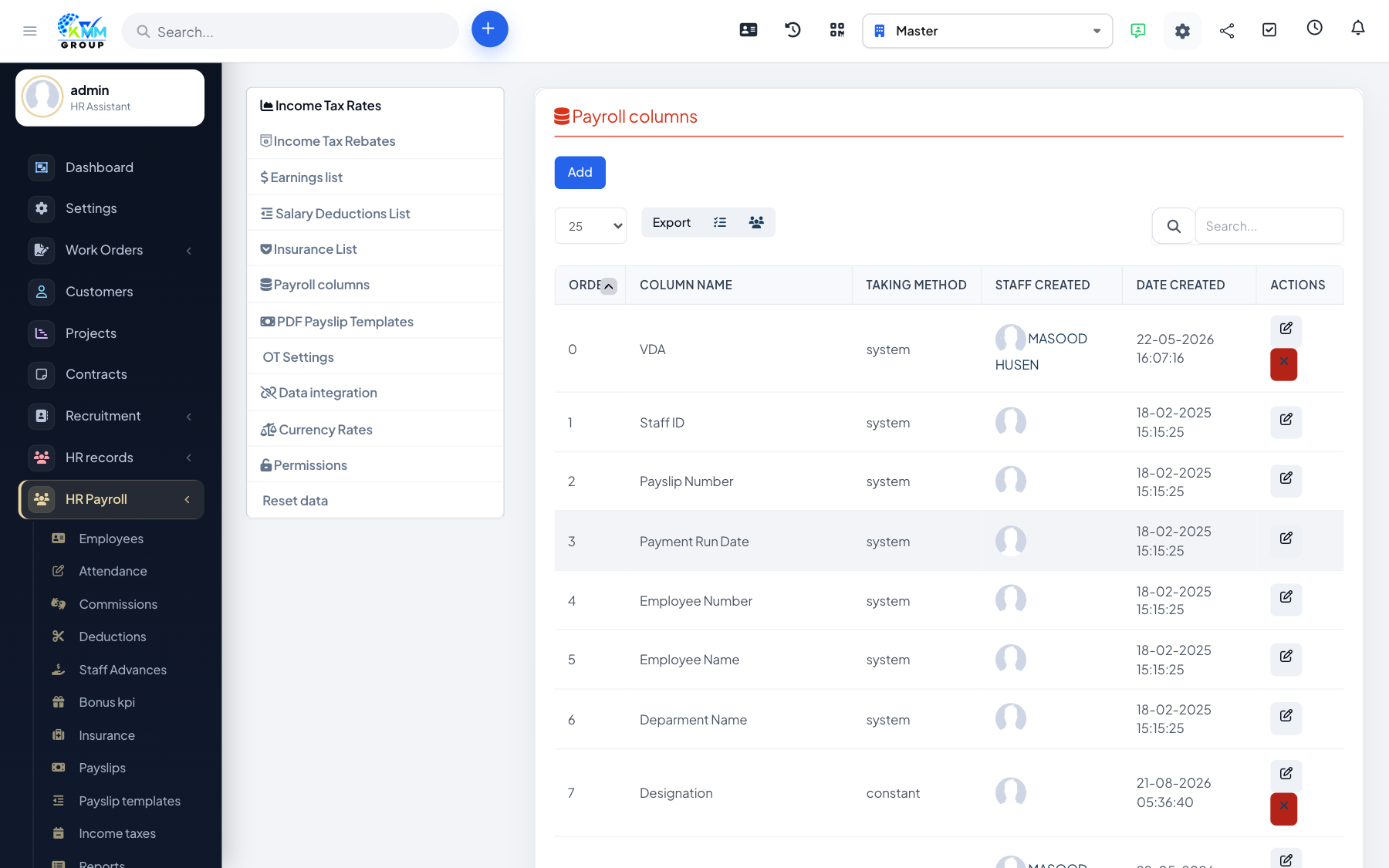
- Open HR Payroll > Settings > Income Tax Rates and define the tax slabs/rates that apply.
- Open Income Tax Rebates and add any applicable rebates or exemptions.
- Manage each employee's tax details under HR Payroll > Income Tax.
- When payslips are generated, tax is applied using these rules.
Tips
- Review the slabs at the start of each tax year so calculations stay correct.