Overview
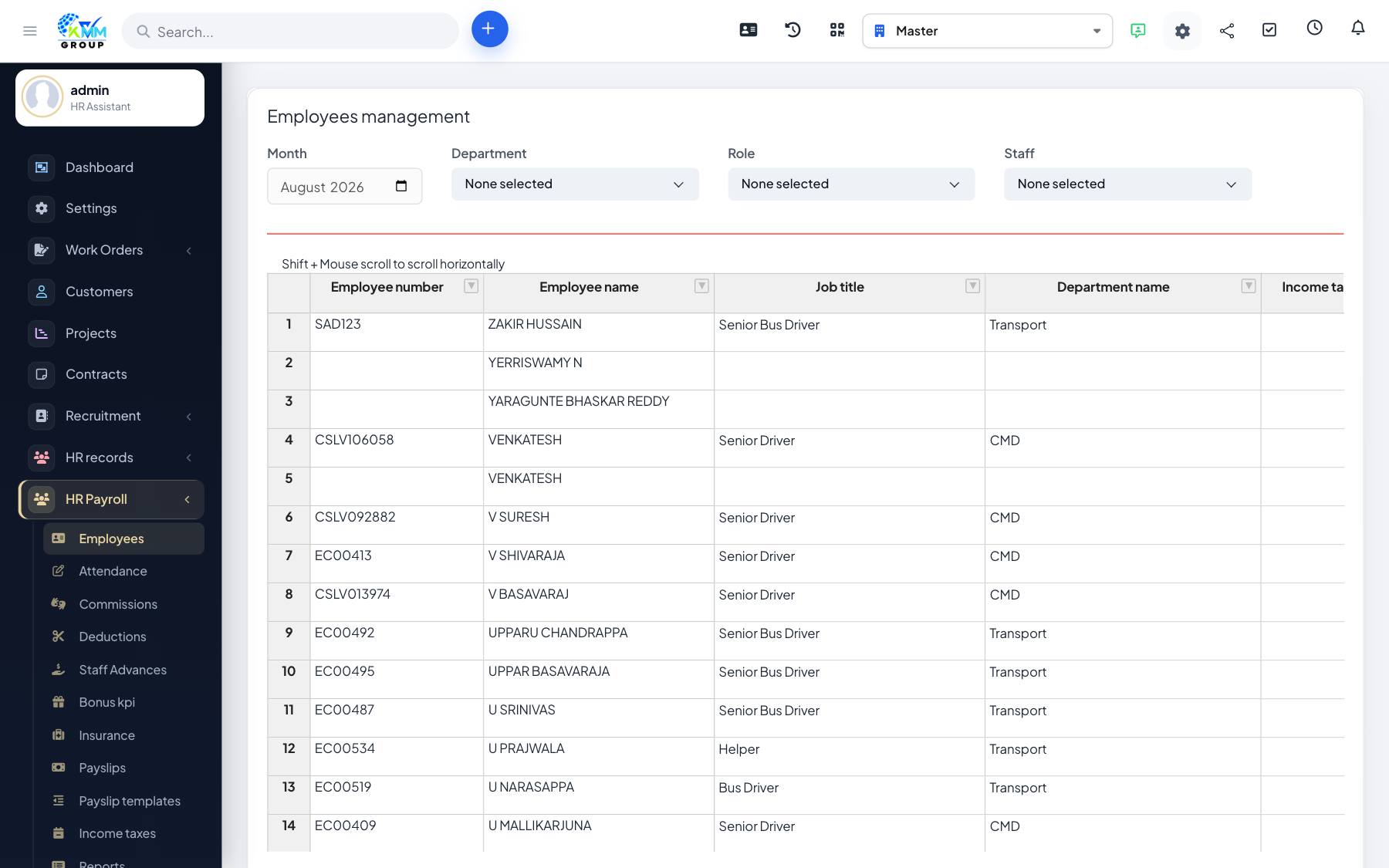
When setting up payroll, importing lets you create many payroll employees and their salary data at once from a spreadsheet.
Steps
- On Manage Employees, choose Import.
- Download the sample XLSX so your columns match the expected format.
- Complete the salary rows and upload the file.
- Rows are validated; errors are listed for you to correct and re-upload.
- Valid rows become payroll employees automatically.
Tips
- Double-check numeric fields (salary, allowances) before importing to avoid rework.