Overview
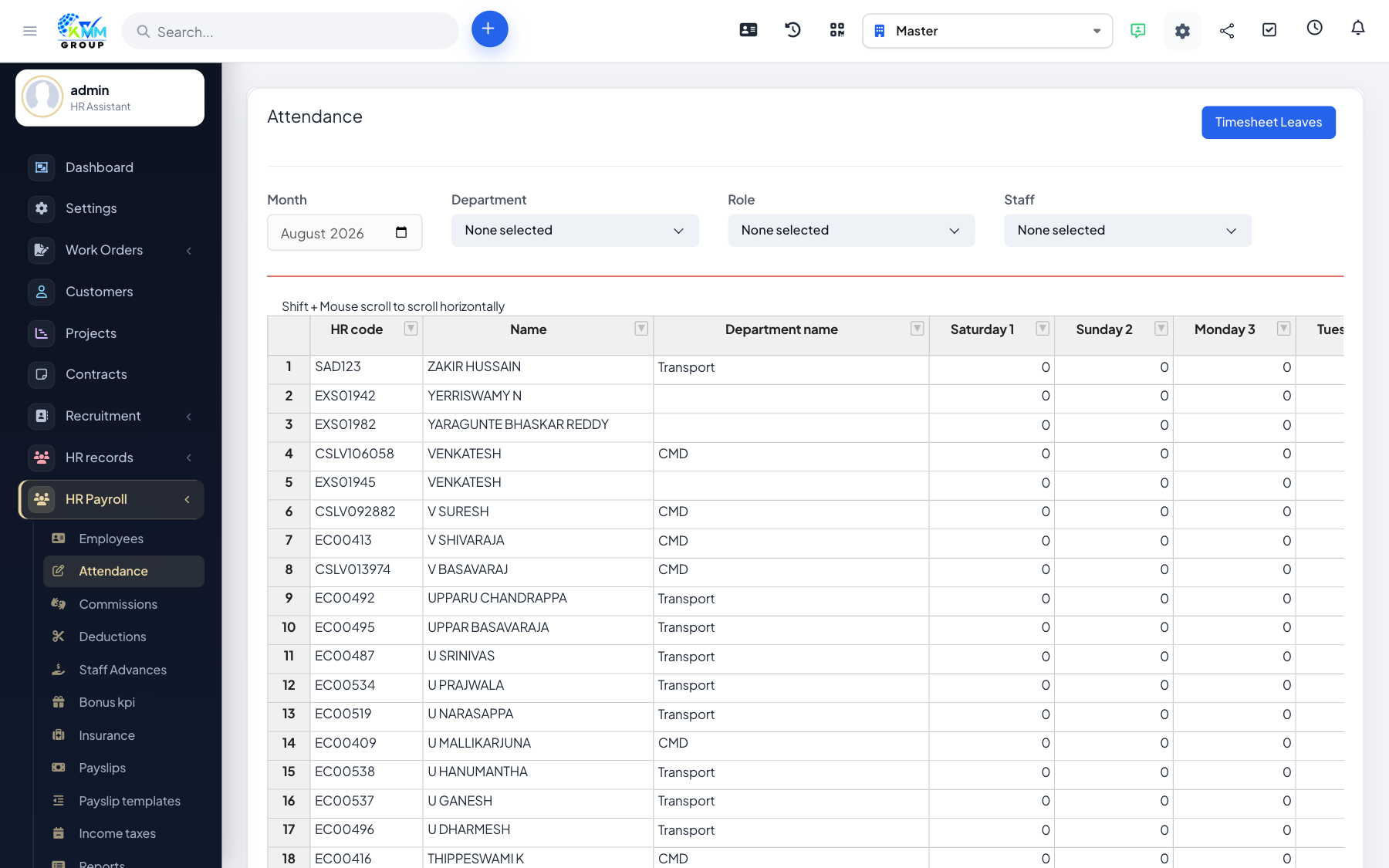
Attendance is a key input to pay: it drives paid days, overtime and any absence-based deductions on each payslip.
Steps
- Go to HR Payroll > Manage Attendance (
/admin/hr_payroll/manage_attendance). - Add or edit attendance per employee and month; filter by staff or department.
- Run attendance calculation to summarise the period into paid days and hours.
- Confirm the totals look right before generating payslips.
Tips
- If you use the Timesheets module, pull attendance in automatically (see the integration article).