Overview
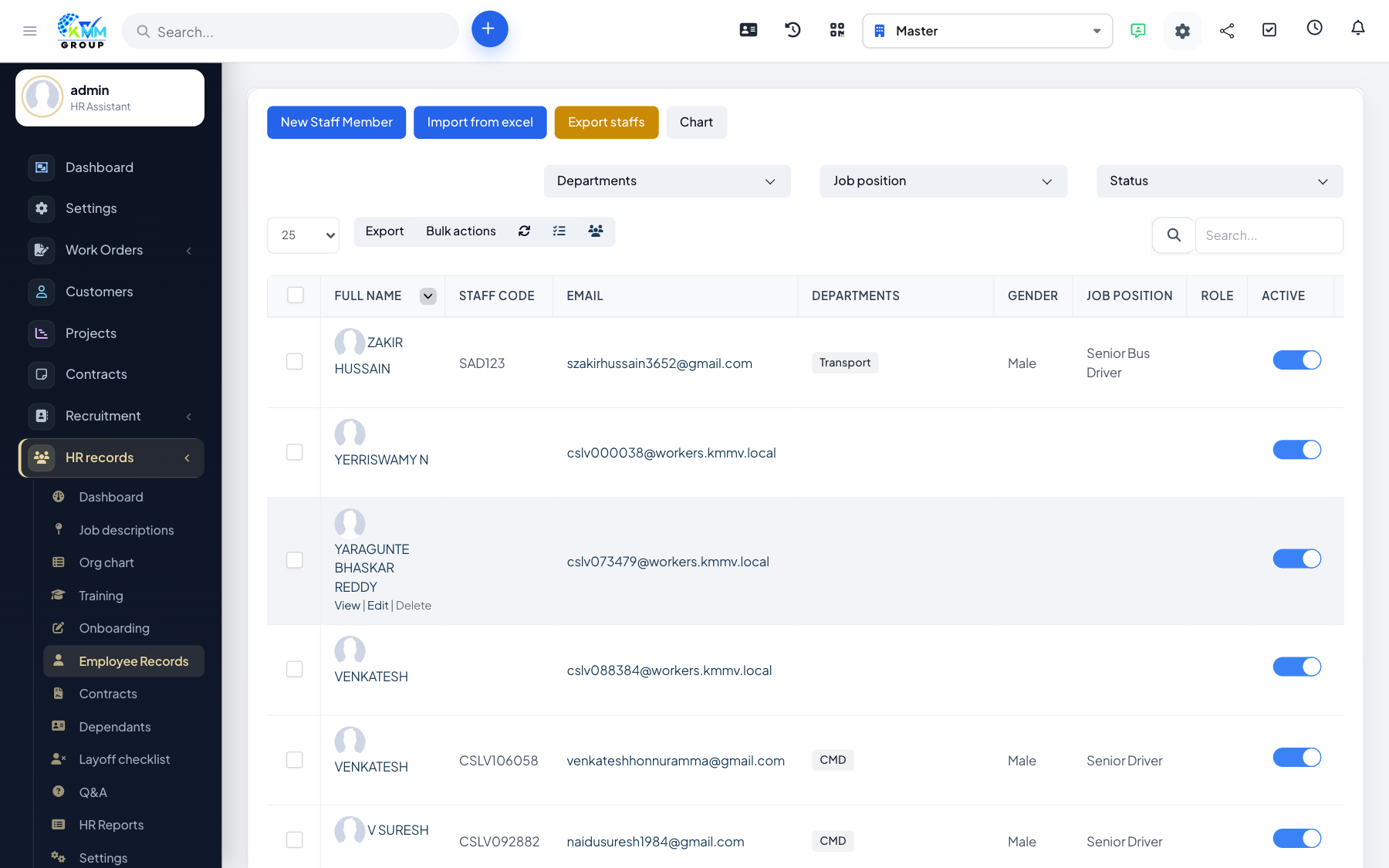
The HR Records module (HR Profile) is your central place for everything about your people. It stores each employee's full profile, their contracts, dependents, training, and bonus/disciplinary history, and it manages onboarding, the organizational chart, resignations and HR reporting. Think of it as the single source of truth for your workforce.
Where to find it
Open HR in the left sidebar. Depending on your permissions you will see Dashboard, Organizational Chart, Reception of Staff, Employee Records, Job Descriptions, Training, Q&A, HR Contracts, Dependent Persons, Resignation Procedures, Reports and Settings.
Key terms
- Reception of Staff — the onboarding process for a new hire.
- Employee Record — the full profile of a current employee.
- Dependent — a family member linked to an employee for benefits/insurance.
Recommended setup order
- Configure HR > Settings (contract types, allowances, insurance, salary forms, prefixes).
- Build your Organizational Chart and Job Descriptions.
- Onboard staff via Reception of Staff, then maintain their Employee Records.
- Issue Contracts, assign Training, and use Reports to monitor the workforce.
Good to know
- Every screen is governed by granular HR permissions (view / view own / create / edit / delete) under Setup > Staff > Roles.
- "View own" lets an employee see only their own record, which is handy for self-service.