Overview
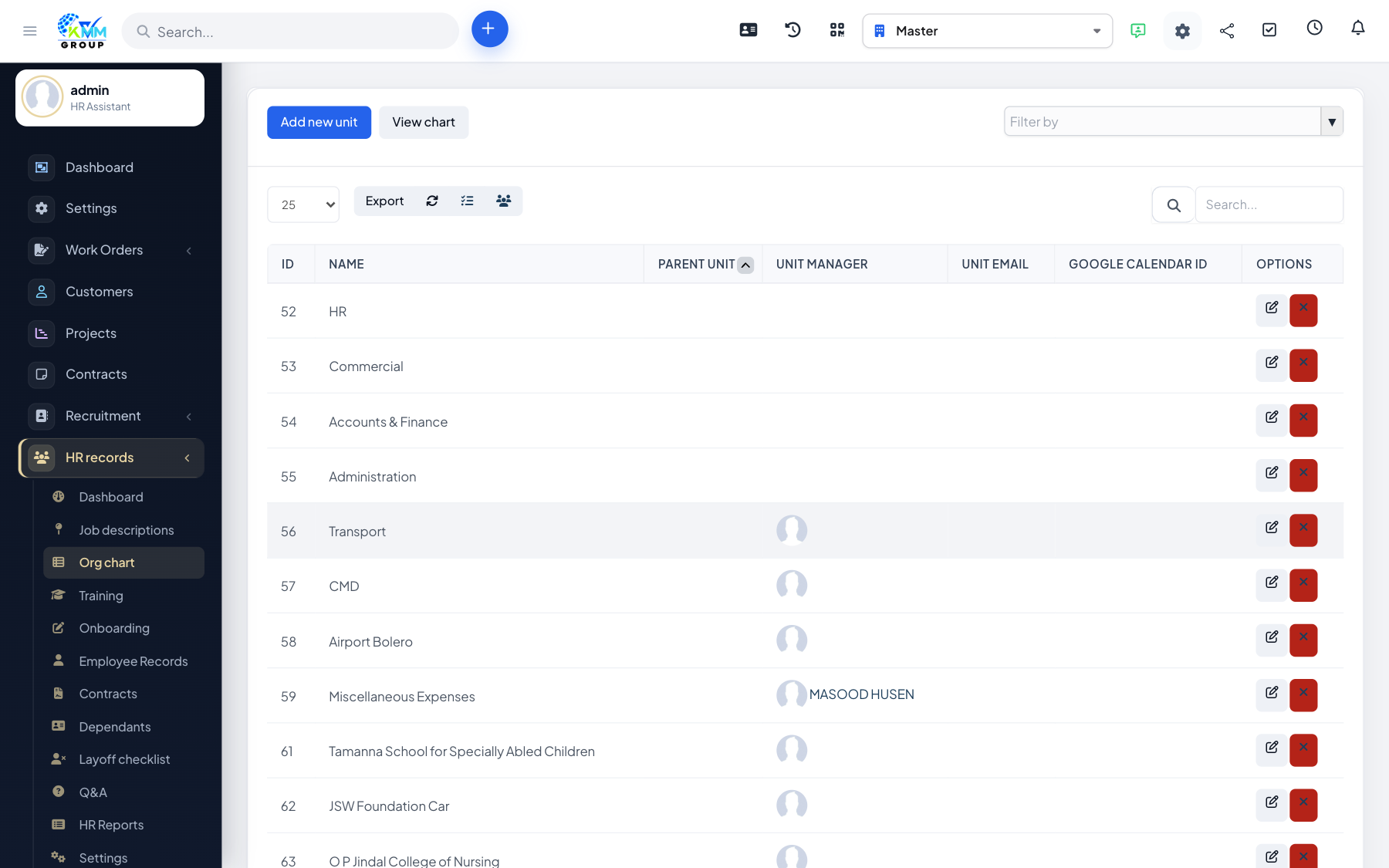
The organizational chart is a visual map of your departments and who reports to whom. Building it makes responsibilities clear and drives grouping in other screens and reports.
Steps
- Open HR > Organizational Chart (
/admin/hr_profile/organizational_chart). - Create departments and nest them to build the hierarchy (e.g. Company > Operations > Warehouse).
- Assign employees and positions to their departments.
- The chart updates automatically as you add or move people.
Tips
- Set up departments before adding employees so you can place each person straight away.