Overview
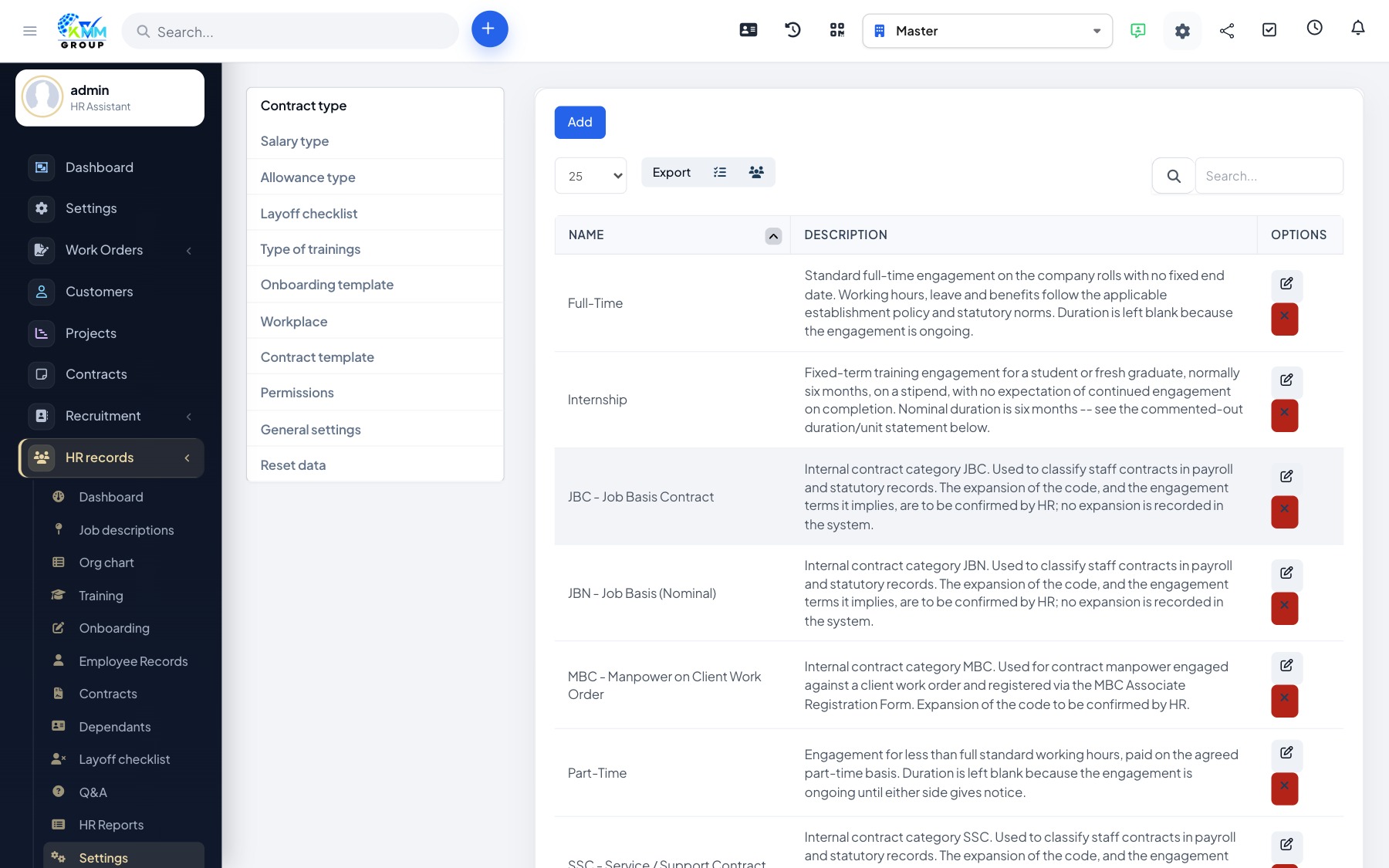
HR Settings hold the reusable building blocks for contracts, pay and insurance. Setting these up first means the right options appear when you create employees and contracts, and everything stays consistent.
Steps
- Go to HR > Settings (
/admin/hr_profile/setting). - Contract Types: define the kinds of employment contracts you issue (e.g. permanent, fixed-term).
- Allowance Types and Salary Forms: set the pay components and salary structures used on positions and contracts.
- Insurance Types and Insurance Conditions: configure statutory and company insurance.
- Prefixes and Workplaces: set the auto-numbering format and your work locations.
- Save each tab — these lists then appear as dropdowns across the module.
Tips
- Agree your contract and allowance types with finance/payroll first so they match how you actually pay people.