Overview
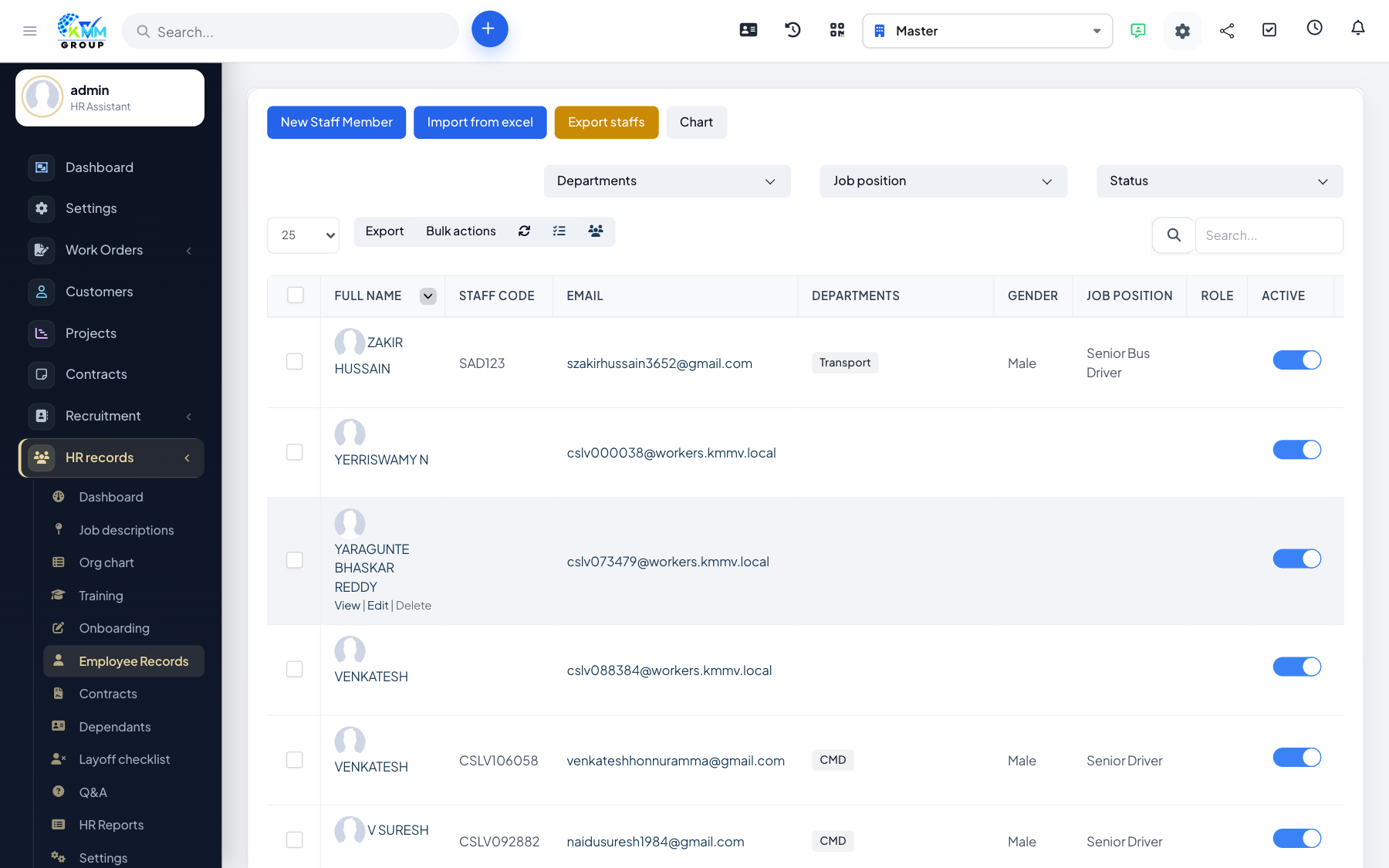
The employee record is each staff member's complete profile: personal details, position, documents, education, employment history, bonuses, discipline and counseling. It is where HR keeps everything about a person in one place.
Steps
- Go to HR > Employee Records (
/admin/hr_profile/staff_infor). - Open an employee to edit their profile, permissions and workplace.
- Use the profile tabs to manage education, employment history, contracts, dependents and attachments.
- Upload supporting files (ID, certificates) and keep them organised on the record.
- Change the employee's status as their situation changes (active, on leave, left).
Tips
- Keep contact details and documents current so contracts and payroll pull the right information.