Overview
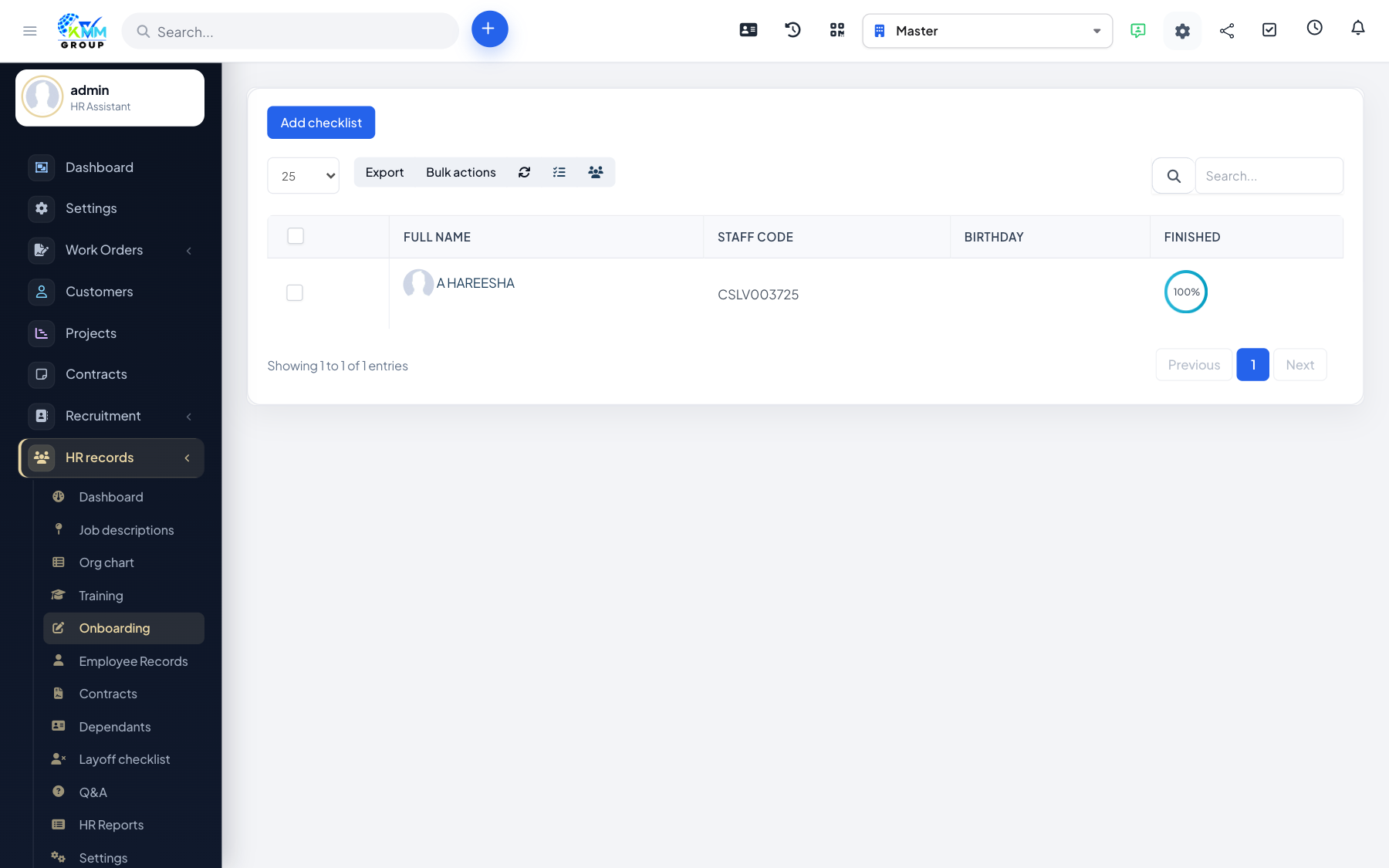
Reception of Staff guides a new hire through onboarding using a checklist, and lets you allocate the assets (laptop, phone, uniform) they need to start. It ensures nothing is forgotten on day one.
Steps
- Go to HR > Reception of Staff (
/admin/hr_profile/reception_staff) and add a new reception. - Work through the onboarding checklist, marking each item complete as it is done.
- Allocate assets to the employee and track their status (issued, returned).
- Once the checklist is complete, the person becomes a full employee record.
Tips
- Build a standard checklist so every new starter gets the same, complete onboarding.