Overview
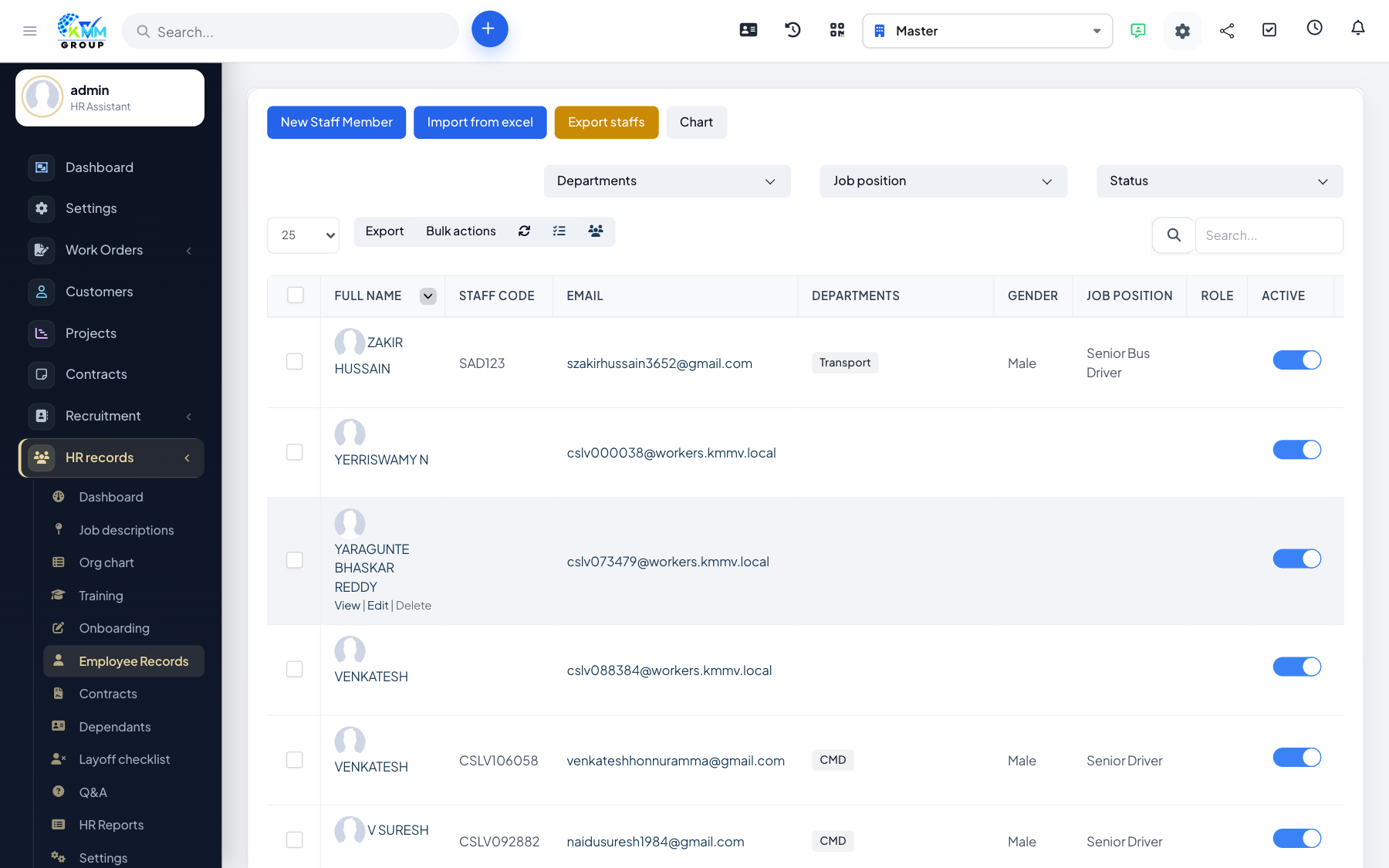
If you are setting up HR for the first time or adding many people at once, importing from a spreadsheet is far faster than typing each record.
Steps
- On Employee Records, choose Import.
- Download the sample XLSX so your columns match what the system expects.
- Complete the rows with your employee data and upload the file.
- Rows are validated and any errors are listed so you can correct and re-upload.
- Valid rows become employee records automatically.
Tips
- Import a small batch first to confirm your columns and formats are correct.