Overview
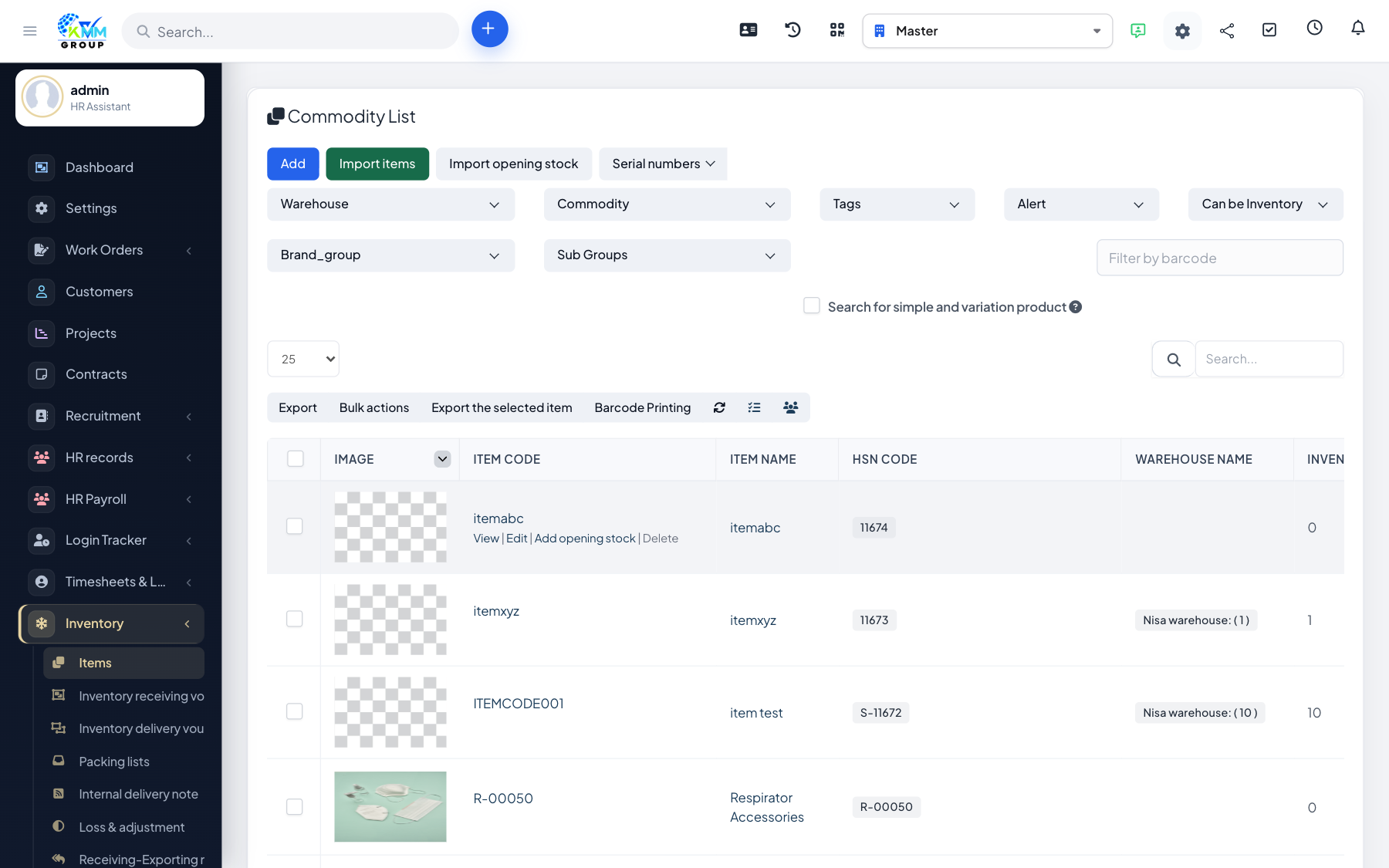
The Inventory module (Warehouse) tracks your stock across one or more warehouses inside the KMMV dashboard. It holds your item catalogue, records every item coming in and going out, moves stock between locations, handles returns and loss adjustments, and reports on what you have and what it is worth.
Where to find it
Open Inventory in the left sidebar. Depending on permissions you will see Items, Stock Import, Stock Export, Packing Lists, Internal Delivery Note, Loss Adjustment, Returns, Warehouse, Warehouse History, Report and Settings.
Key terms
- Item / commodity — a product you stock, with a unit and an SKU code.
- Stock import — goods received into a warehouse (stock goes up).
- Stock export — goods issued out of a warehouse (stock goes down).
- Internal delivery note — a transfer of stock between your own warehouses.
Recommended setup order
- Configure Settings: brand types, brand groups, sub groups, units, colors, sizes, styles and prefixes.
- Create your Warehouses.
- Add your Items (commodities) with their units and categories.
- Record Stock Import to bring goods in and Stock Export to issue them out.
- Use Warehouse History and Reports to monitor stock.
Good to know
- Every screen is controlled by granular Inventory permissions (view / view own / create / edit / delete).