Overview
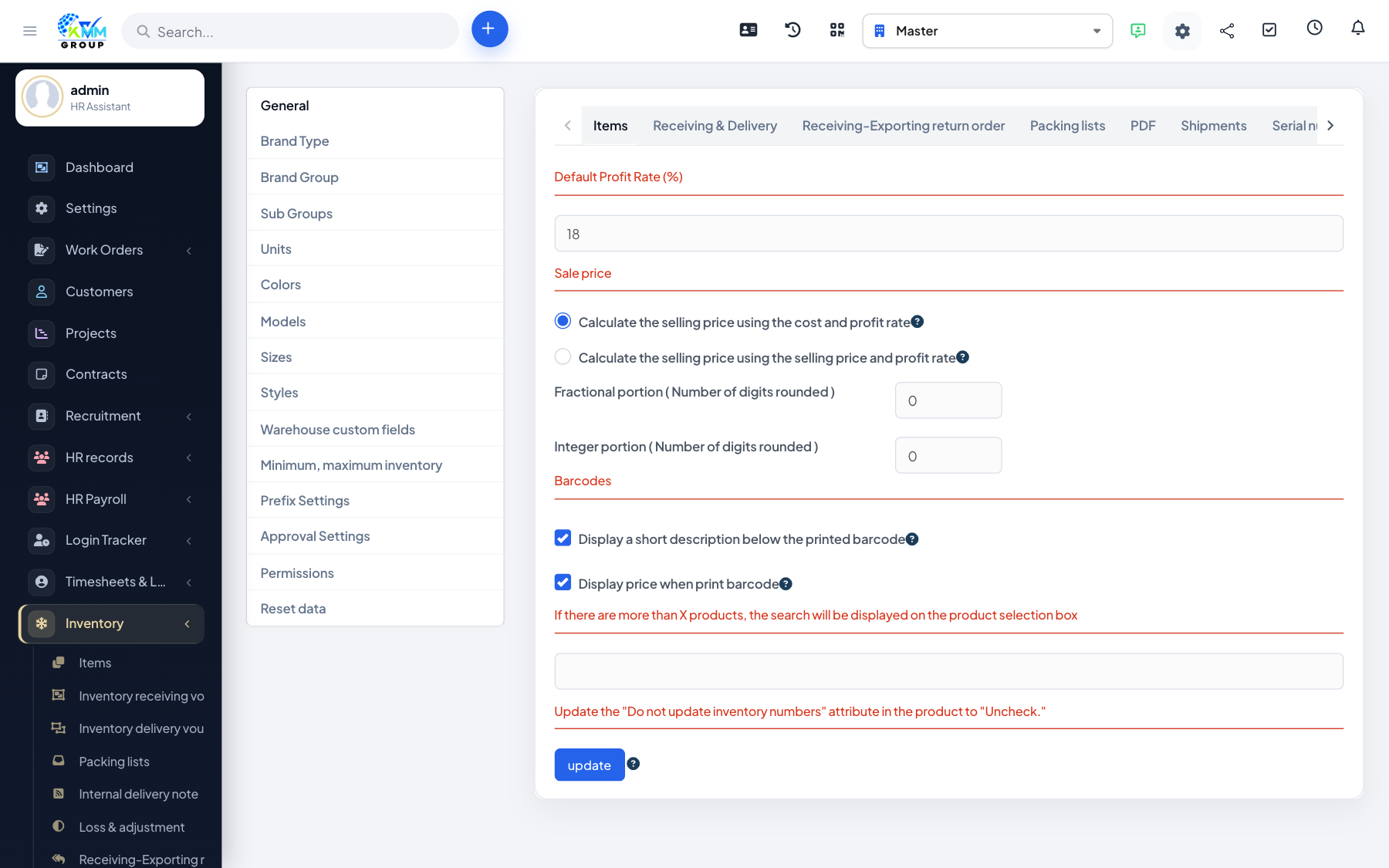
Minimum and maximum levels help you keep the right amount of stock — enough to avoid running out, but not so much that cash is tied up. Items outside their limits are flagged for action.
Steps
- Go to Inventory > Settings > Minimum, maximum inventory.
- Set the minimum and maximum quantity for the relevant items and warehouses.
- When stock falls below the minimum or rises above the maximum, the item is highlighted.
- Use these flags to trigger reordering or to review overstock.
Tips
- Base minimums on how quickly an item sells plus its supplier lead time.