Overview
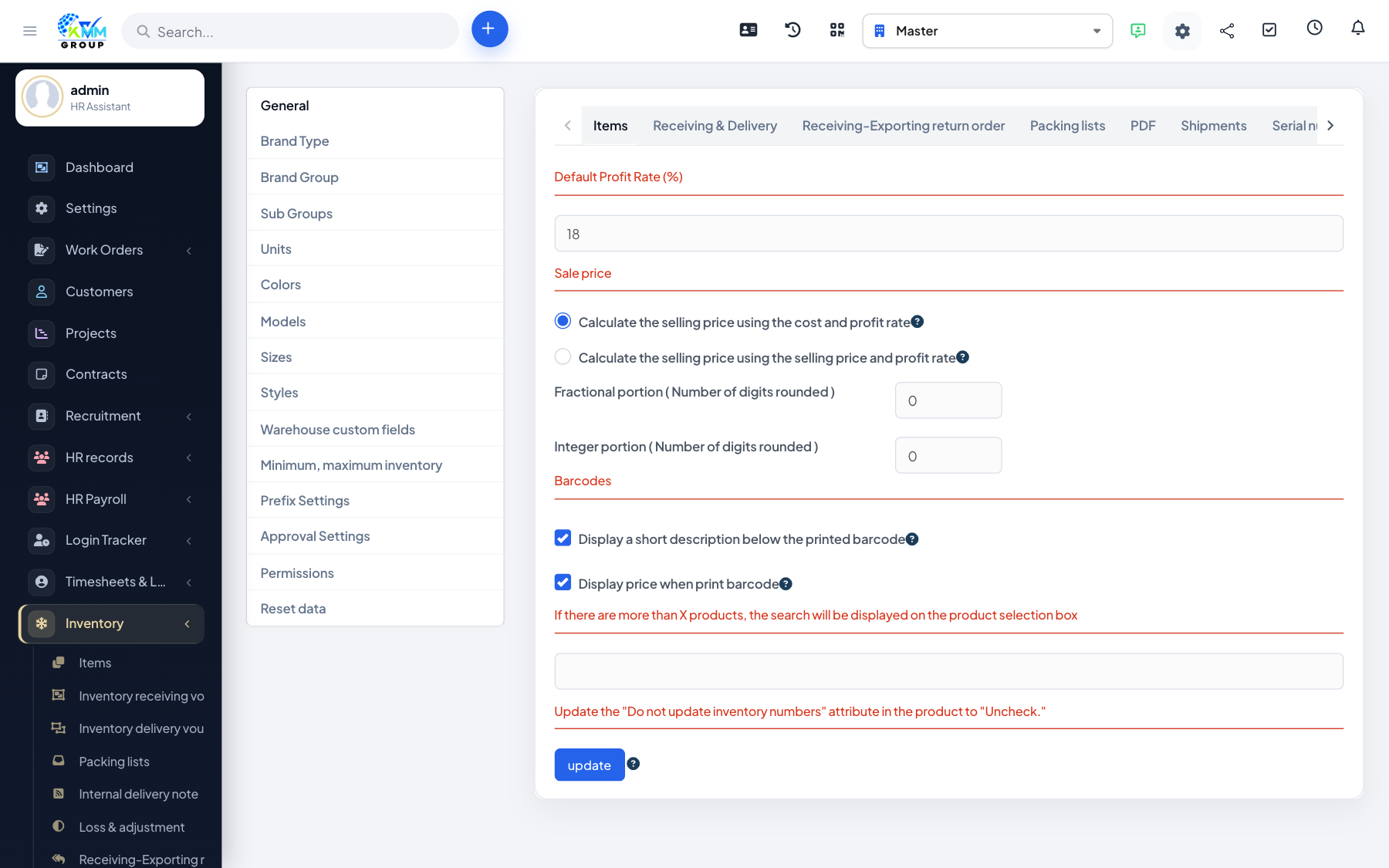
Settings define how your items are classified and described. Because SKU codes and reporting are built from this classification, it is worth setting it up thoughtfully before adding items.
Steps
- Go to Inventory > Settings (
/admin/warehouse/setting). - Brand Type, Brand Group and Sub Groups: build the classification used for items and to generate SKU codes.
- Units, Colors, Models, Sizes and Styles: define the attributes an item can have.
- Warehouse custom fields: add your own fields to items and documents.
- Save each tab — the lists then appear as dropdowns when you create items.
Tips
- Design your brand type/group/sub group structure first — it shapes every SKU code you generate.