Overview
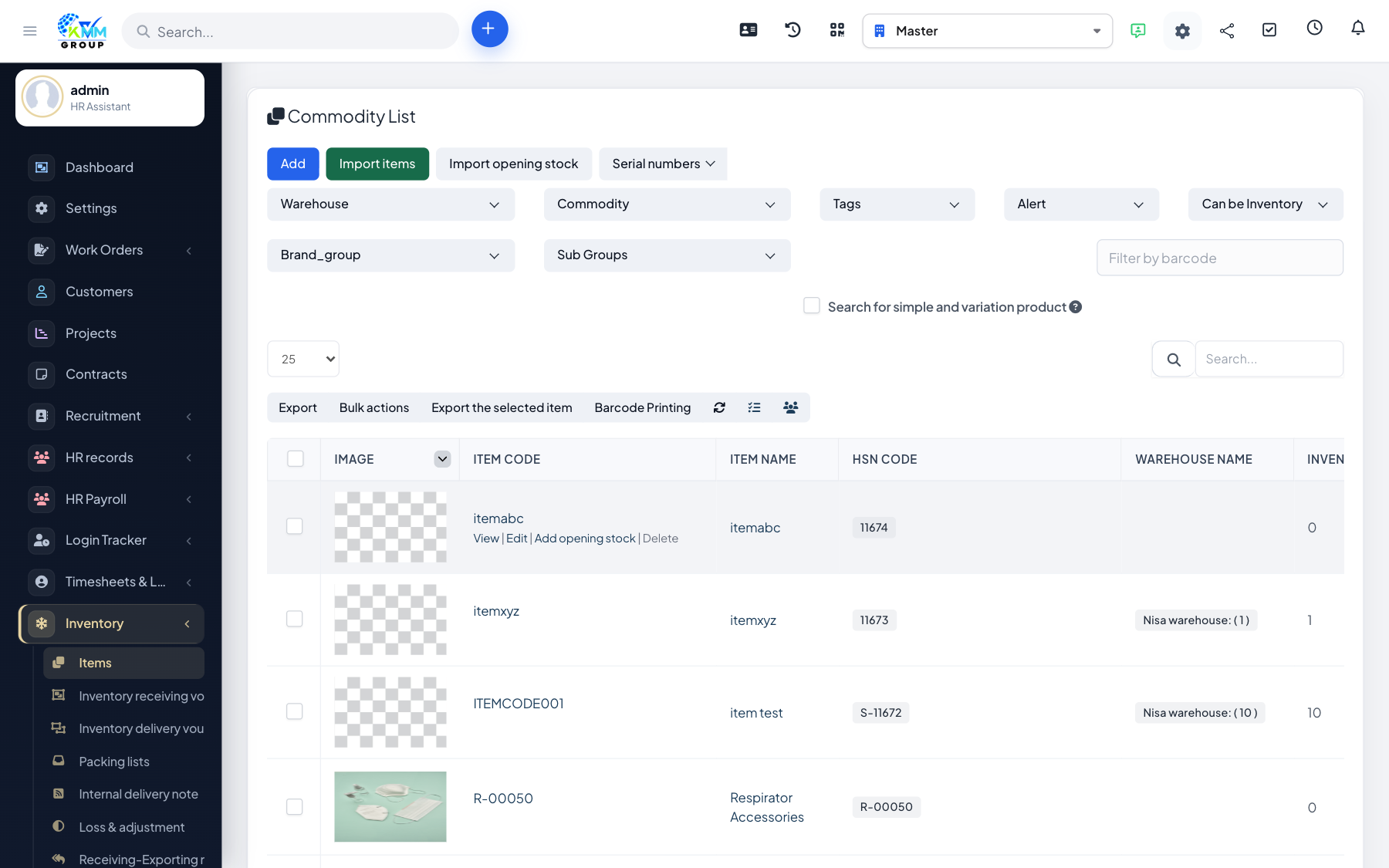
Items (commodities) are the products you stock. Each has a unit of measure, a classification (brand type/group/sub group) and an automatically generated SKU code that uniquely identifies it.
Steps
- Go to Inventory > Items (
/admin/warehouse/commodity_list) and click New. - Set the item name and unit, then its brand type/group/sub group.
- Add attributes such as color, size, model and style where relevant.
- The SKU code is generated from the commodity group and sub group.
- Save — the item is now available for stock movements.
Tips
- Choose the unit carefully (piece, box, kg) — all stock quantities are counted in it.