Overview
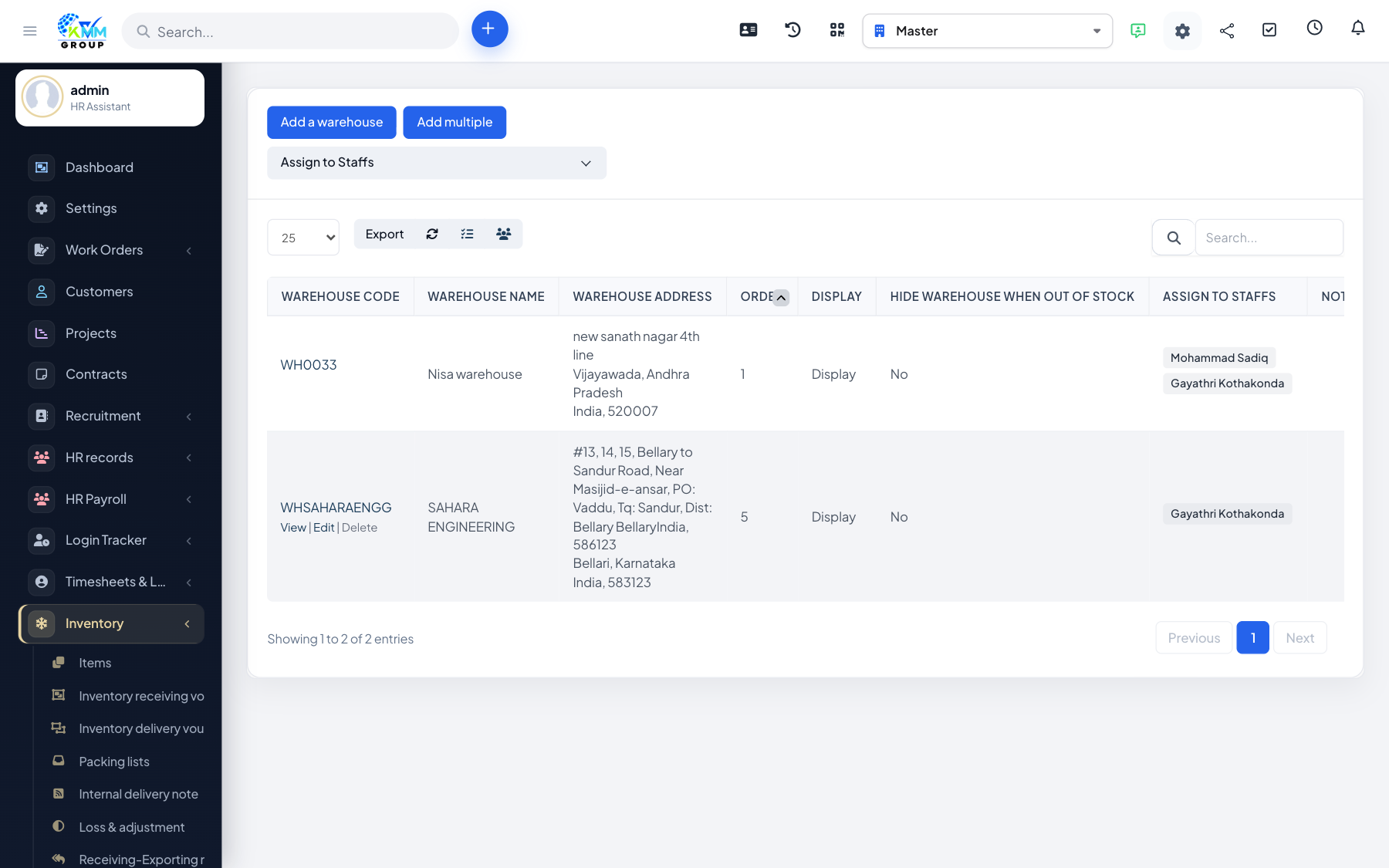
Warehouses are the physical locations that hold your stock. Every stock movement is tied to a warehouse, so stock levels are always tracked per location.
Steps
- Go to Inventory > Warehouse (
/admin/warehouse/warehouse_mange) and add a warehouse with its name and details. - Each warehouse also appears as its own entry in the Inventory menu for quick access to its stock.
- Assign stock to a warehouse through imports, exports and transfers.
- Open a warehouse to see exactly what it currently holds.
Tips
- Create all your locations up front so movements can be recorded against the right warehouse from the start.