Overview
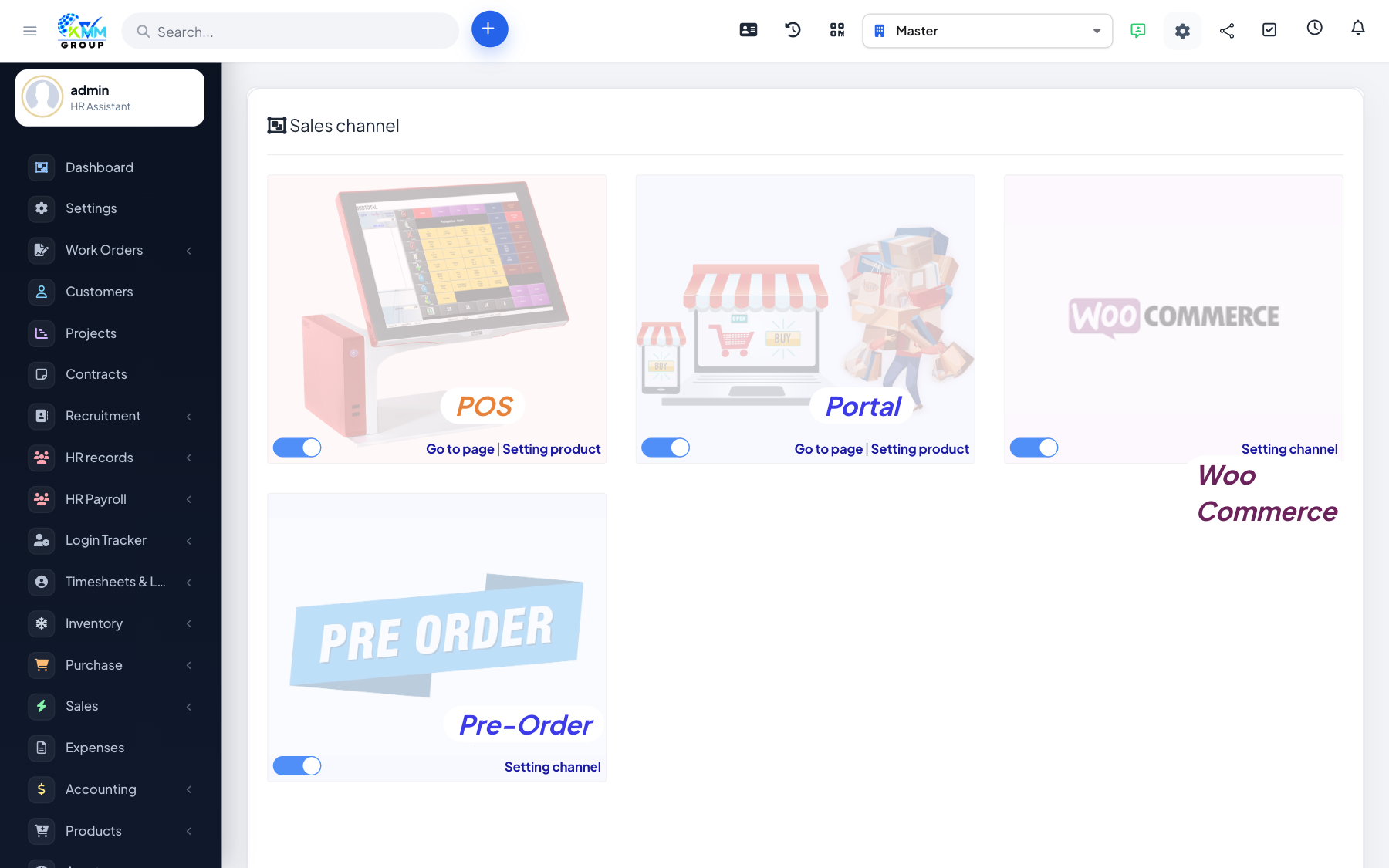
Omni Sales is the omni-channel selling module in the KMMV dashboard. It brings orders from all your sales channels — online stores, a built-in point of sale (POS), and a customer portal — into one place, keeps products and stock in sync, applies discounts and vouchers, handles returns and refunds, and reports on sales.
Where to find it
Open Omni Sales in the left sidebar. You will see Order List, Sales Channel, Trade Discount, Diary Sync, Report, POS, Portal and Settings (plus Customer Report and M-Pesa transactions when enabled).
Key terms
- Sales channel — a place you sell (online store, POS, portal).
- POS — the point-of-sale screen for face-to-face selling.
- Diary sync — keeping products, stock and orders aligned with a connected store.
Recommended setup order
- Configure Settings (invoicing, POS and sync options).
- Create your Sales Channels and connect any WooCommerce stores.
- Add products to each channel and run Diary Sync.
- Sell through POS or your channels; manage incoming orders in the Order List.
- Track performance in Report.
Good to know
- Access is controlled by Omni Sales permissions (orders, sales channel, trade discount, diary sync, report, POS).