Overview
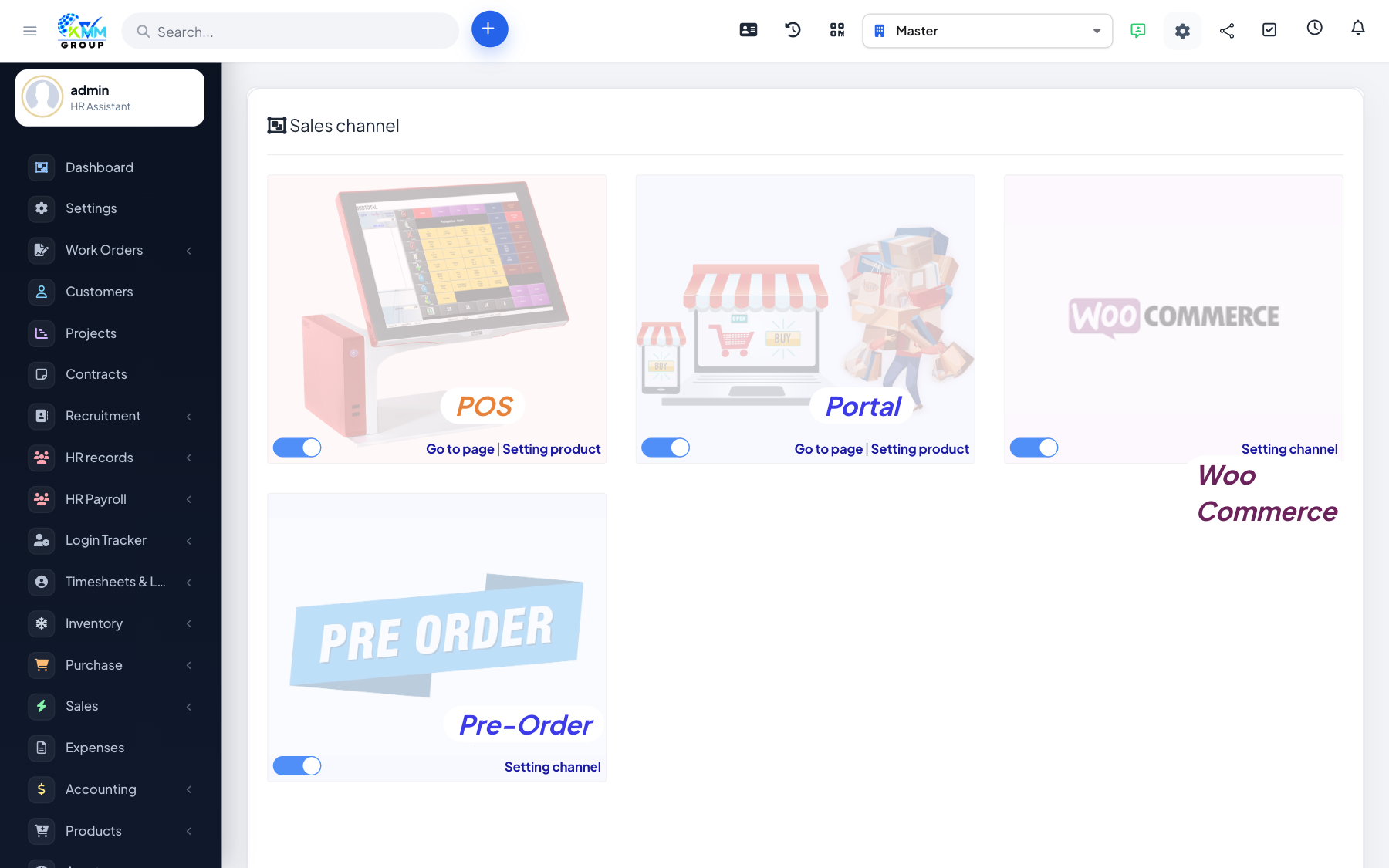
A sales channel represents one place you sell. Products are assigned per channel with their own pricing, so the same catalogue can be sold at different prices in different places.
Steps
- Go to Omni Sales > Sales Channel (
/admin/omni_sales/omni_sales_channel). - Add a channel and set it active.
- Add the products that channel sells, with channel-specific pricing.
- Orders placed on that channel then flow into the Order List.
Tips
- Only add the products you actually sell on each channel to keep it focused.