Overview
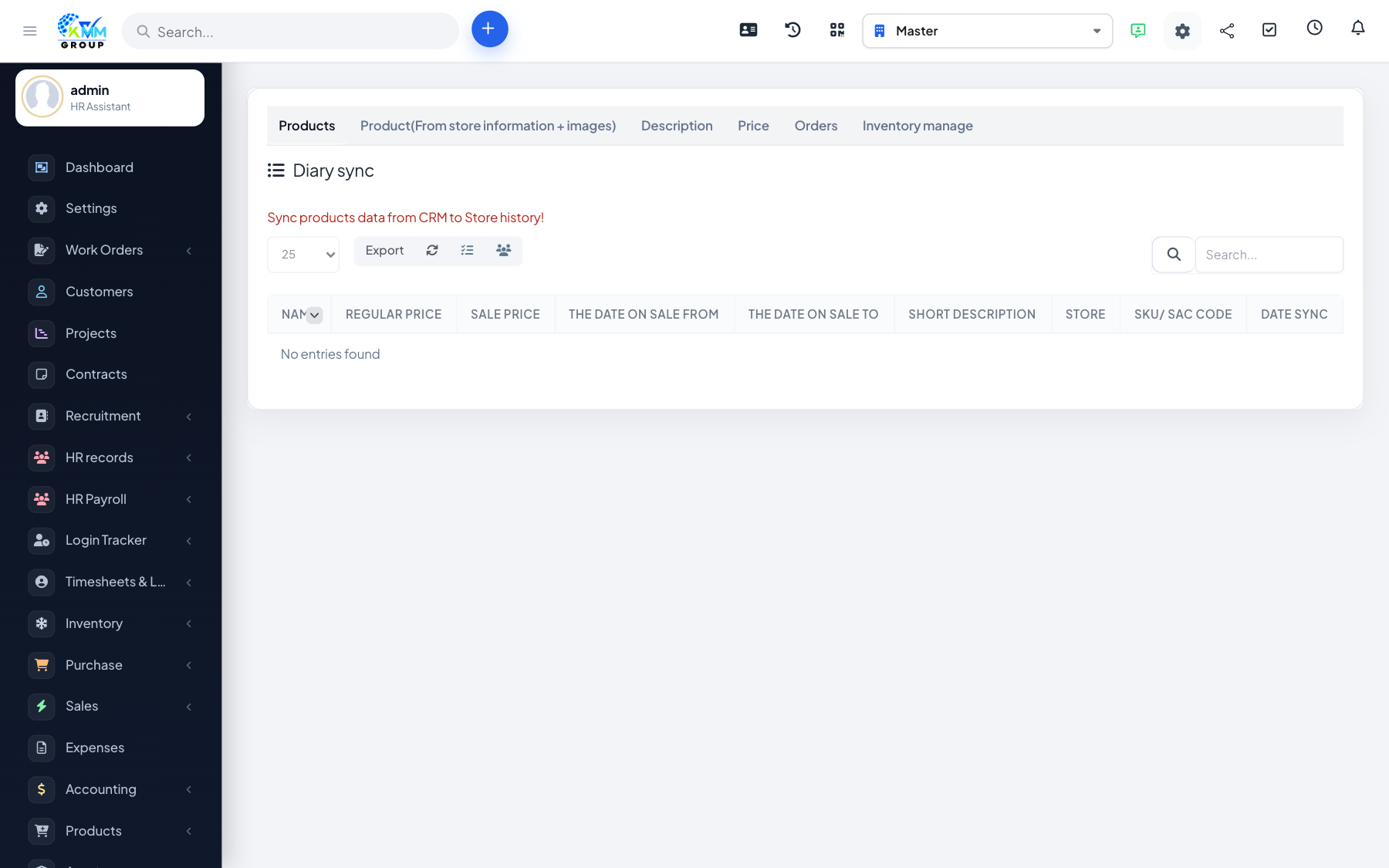
Diary Sync is the tool that keeps everything aligned between the CRM and your connected stores — product details, stock levels, prices, images and orders — so customers always see accurate information.
Steps
- Go to Omni Sales > Diary Sync (
/admin/omni_sales/diary_sync). - Choose the store you want to sync.
- Run the sync for products, inventory, prices, descriptions or images as needed.
- Review the sync logs to confirm everything went through.
- Turn on auto-sync to keep them aligned continuously.
Tips
- Sync inventory regularly so your website never oversells an out-of-stock item.