Overview
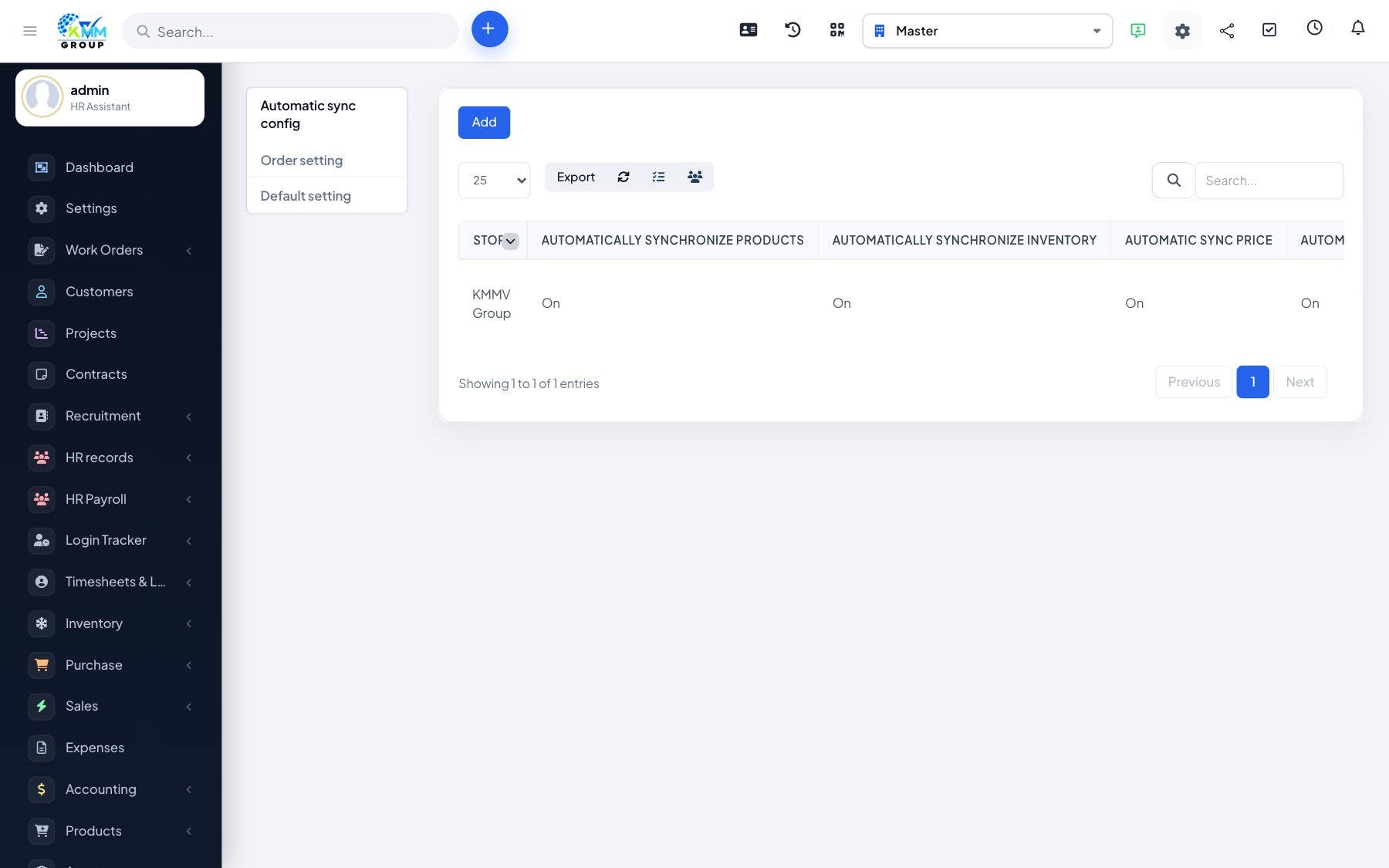
Settings control how orders turn into invoices, how the POS behaves, and how channels sync. Configuring them first means every sale is handled the way you expect.
Steps
- Go to Omni Sales > Settings (
/admin/omni_sales/setting). - Set the invoice sync options (how orders become invoices) and the default warehouse stock is taken from.
- Configure POS behaviour and pre-order defaults.
- Set any sync preferences for connected stores.
- Save each section; the settings apply across channels and POS.
Tips
- Decide your default warehouse carefully — it is where POS and online sales draw stock from.