Overview
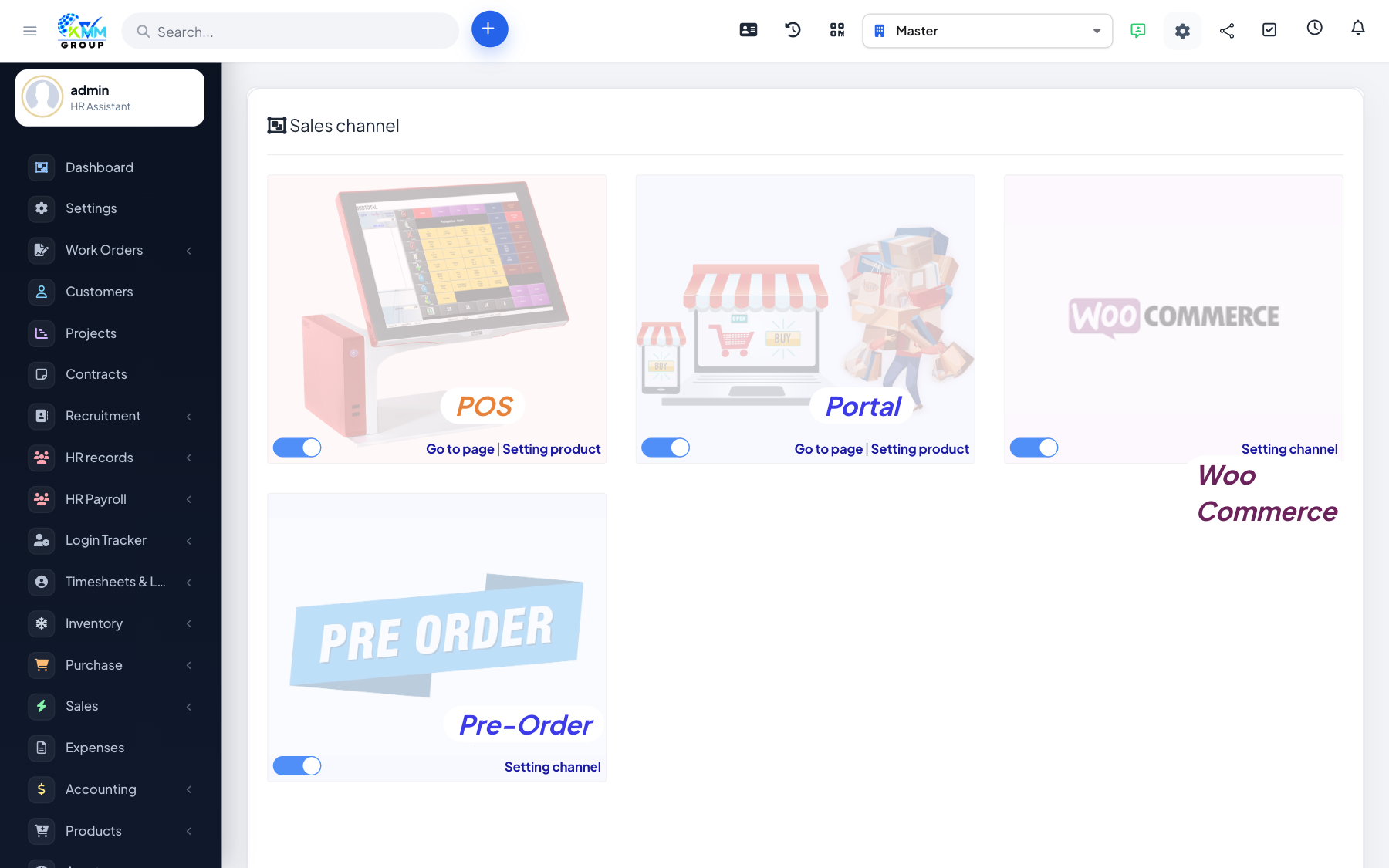
If you run an online shop on WooCommerce, connecting it keeps your website and the CRM in sync — products, stock and orders flow between them automatically instead of being managed twice.
Steps
- Add a WooCommerce store under Sales Channel and enter the store URL and API keys.
- Use Test Connect to confirm the connection works before syncing.
- Sync products to and from the store, and enable order processing.
- Incoming WooCommerce orders appear in the Order List and can create invoices.
Tips
- Generate the WooCommerce API keys with read/write access, or syncing will fail.