Overview
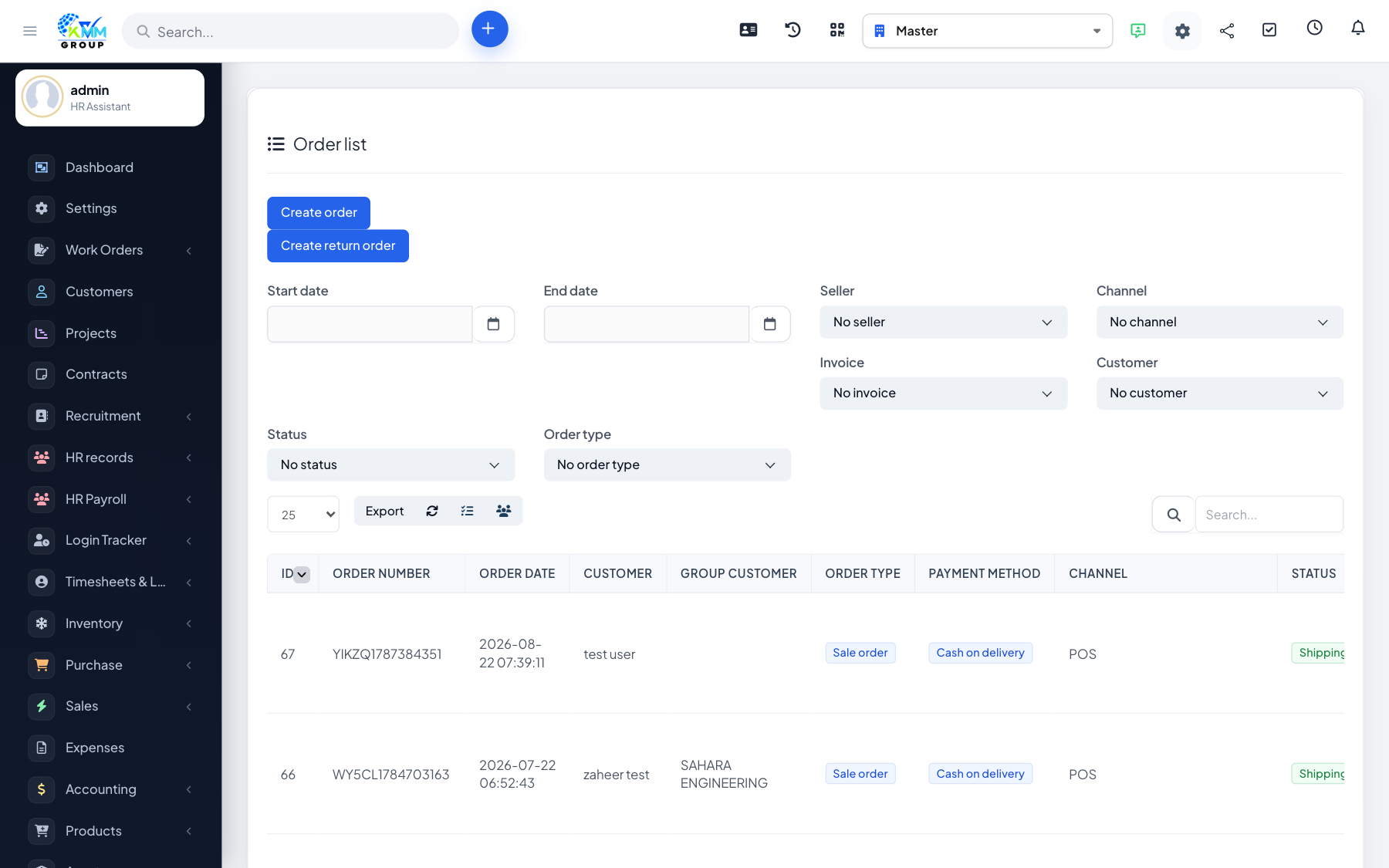
The Order List is the single place where orders from every channel land, so your team can fulfil and invoice them without switching between systems.
Steps
- Go to Omni Sales > Order List (
/admin/omni_sales/order_list). - Open an order to view its items, customer and totals.
- Change the order status as it progresses through fulfilment.
- Create an invoice and generate the stock export/delivery for the order.
- Create a manual order when a sale comes in off-channel, or delete an order if needed.
Tips
- Keep statuses current so everyone can see which orders still need action.