Overview
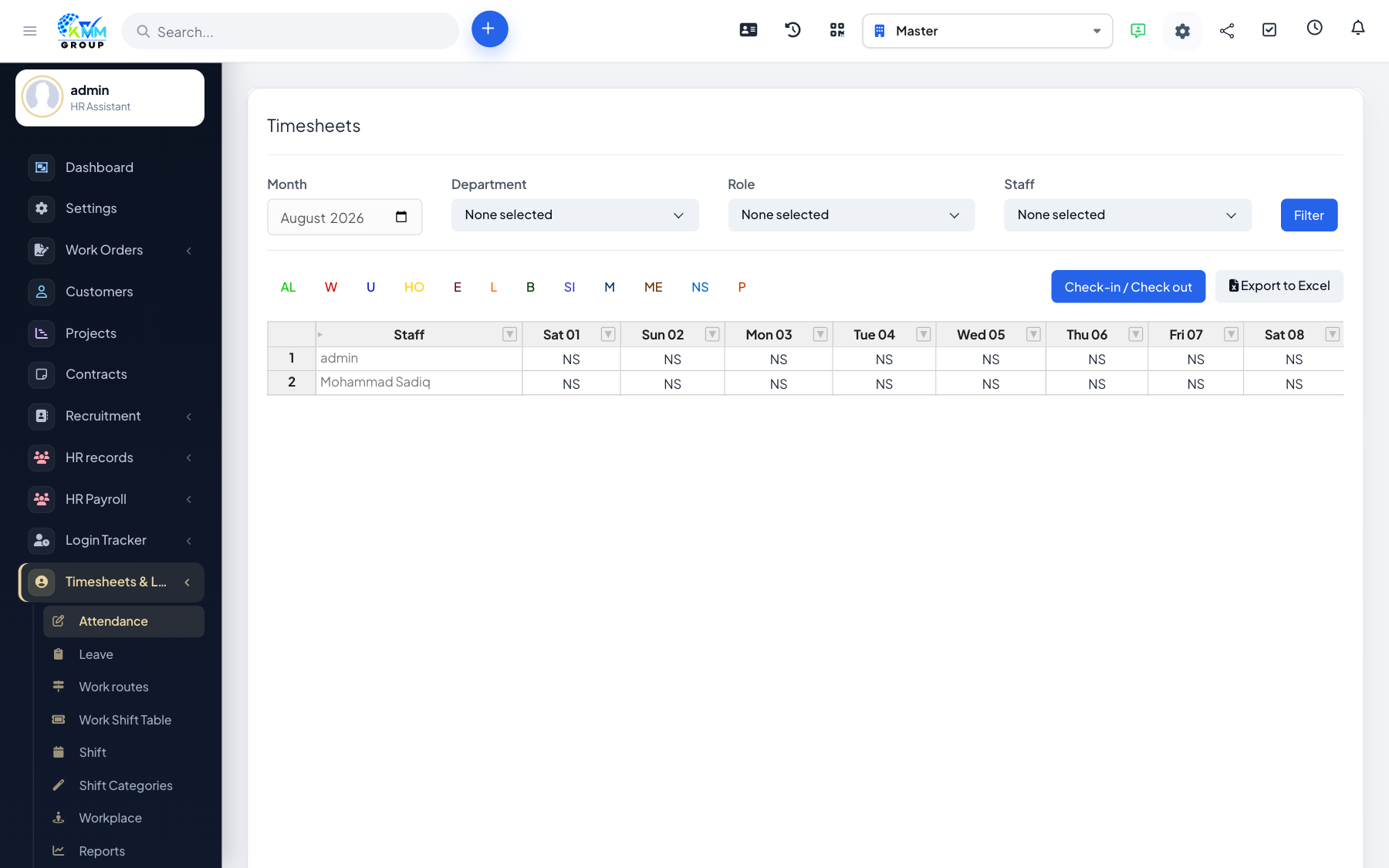
The Timesheets & Leave module records when your people work and manages their time off, all inside the KMMV dashboard. Staff can clock in and out in several ways (on-screen, by QR code, by GPS location or along a route), work to defined shifts, and request leave for approval — and it all rolls up into attendance and leave reports that can even feed payroll.
Where to find it
Open Timesheets & Leave in the left sidebar. You will see Attendance, Leave, Shiftwork, Shift Management, Shift Type, Reports and Settings (plus Route Management and Workplace Management when those attendance modes are enabled).
Choosing an attendance method
- On-screen — staff check in/out from the timekeeping screen.
- QR code — scan a code at an entrance or shared device.
- GPS / workplace — check in only when physically at an assigned location.
- Route — field staff check in at points along a route.
Recommended setup order
- Configure Settings: leave types, holidays, approval and valid check-in options.
- Create Shift Types and build Shift Work schedules.
- Pick the attendance method that suits your teams.
- Staff record attendance and request leave; managers approve.
- Review Reports for hours and leave.
Good to know
- Access is controlled by Timesheets permissions (attendance, leave, shiftwork, workplace, report, settings).