Overview
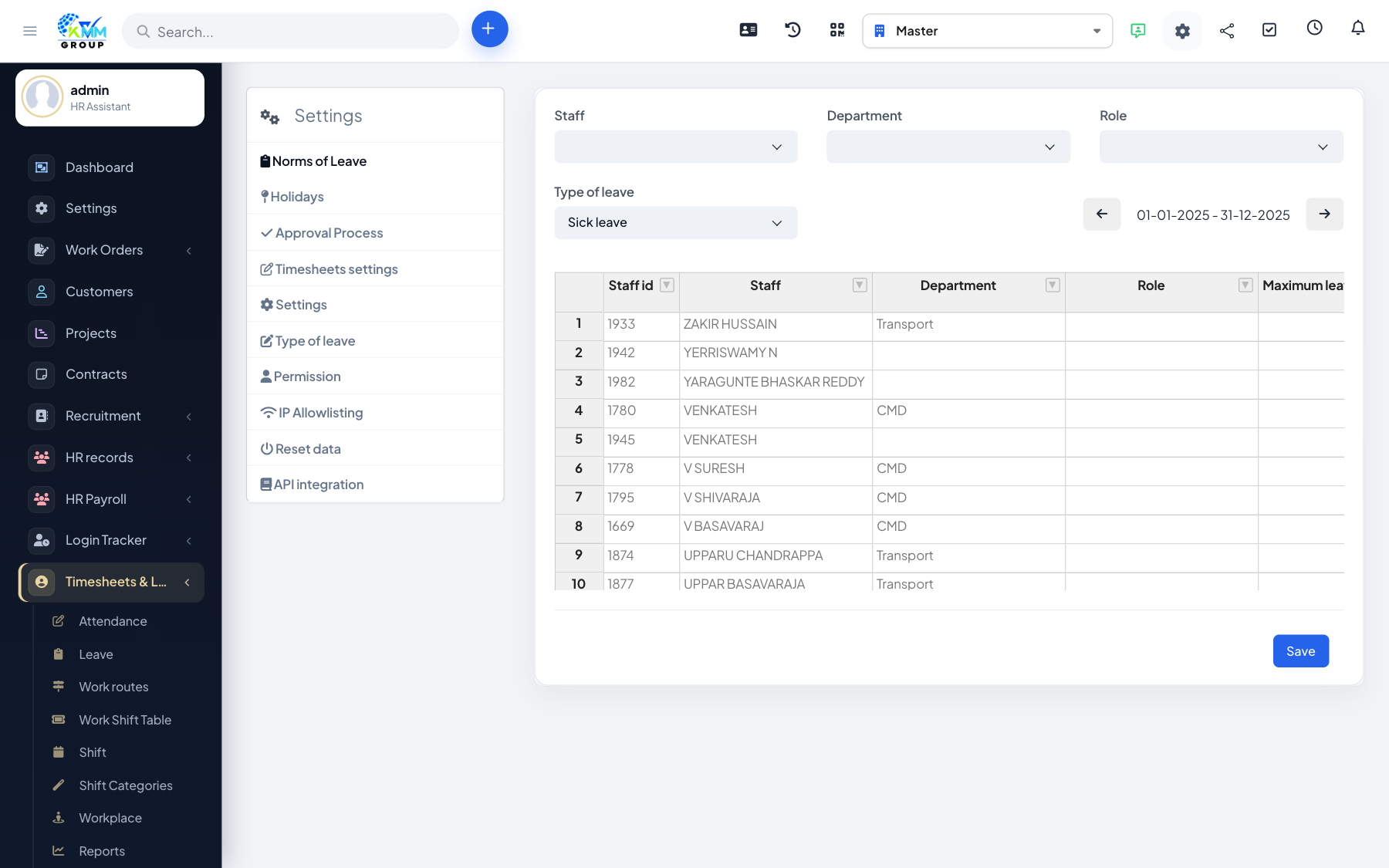
Settings define your leave types, holidays, approval behaviour and the rules for valid check-ins. Setting these first ensures attendance and leave work the way your organisation expects.
Steps
- Go to Timesheets & Leave > Settings (
/admin/timesheets/setting?group=manage_leave). - Define types of leave (annual, sick, unpaid) and their annual entitlements.
- Set up holidays and recurring days off (e.g. weekends).
- Optionally restrict check-in to valid IP addresses so staff can only clock in from the office network.
- Set timekeeper defaults, then save each section.
Tips
- Valid-IP restriction is a simple way to prevent remote or off-site clock-ins where that is not allowed.