Overview
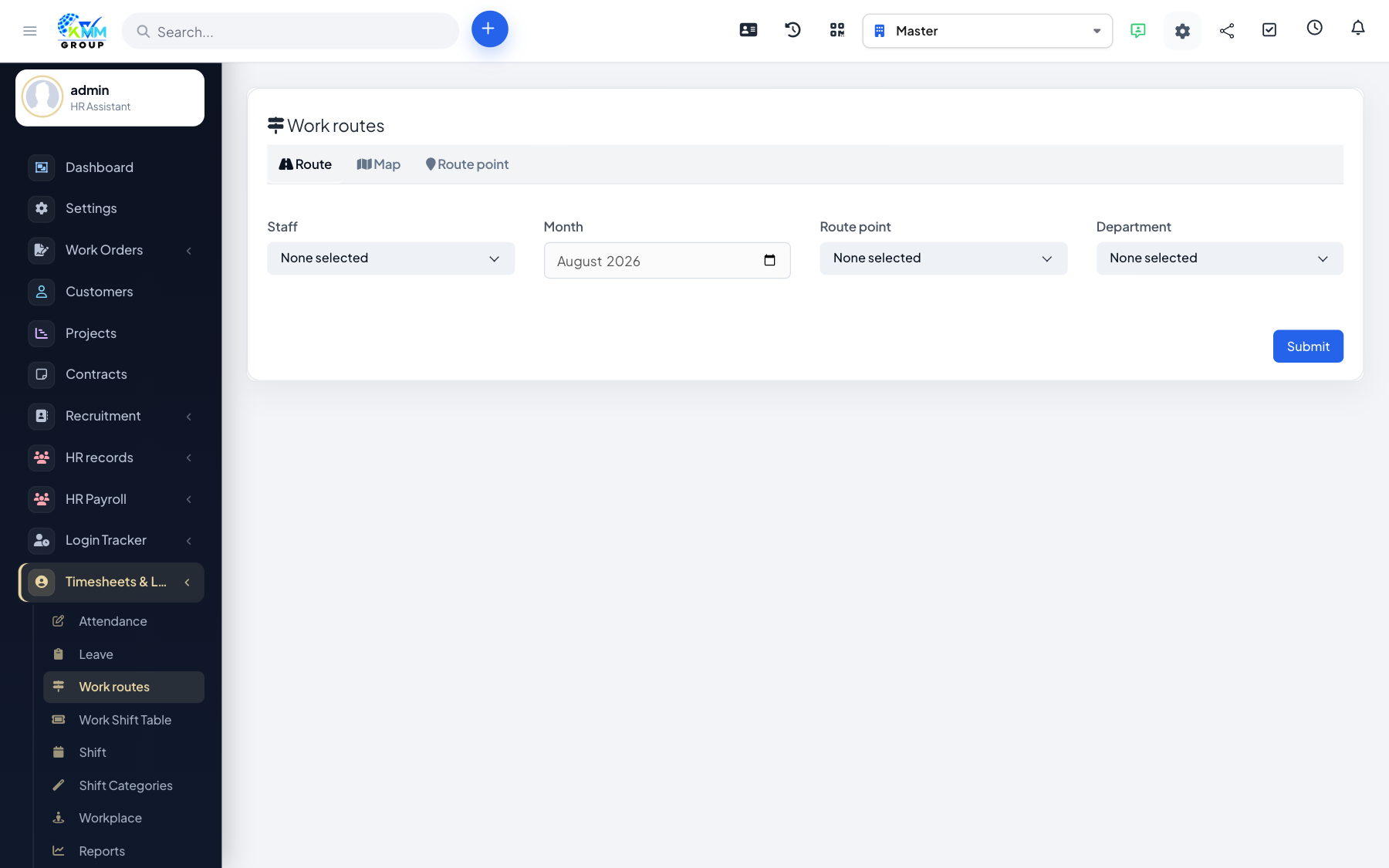
Route management is designed for field staff (drivers, sales reps, technicians) who need to check in at several points along a route rather than at a single office.
Steps
- Open Timesheets & Leave > Route Management (
/admin/timesheets/route_management?tab=route). - Create route points with their coordinates.
- Assemble the points into routes.
- Assign a route to the relevant staff; they check in at each point.
- Review the route map and route-progress report to see their movement.
Tips
- Use the route-progress report to confirm field staff followed their planned route.