Overview
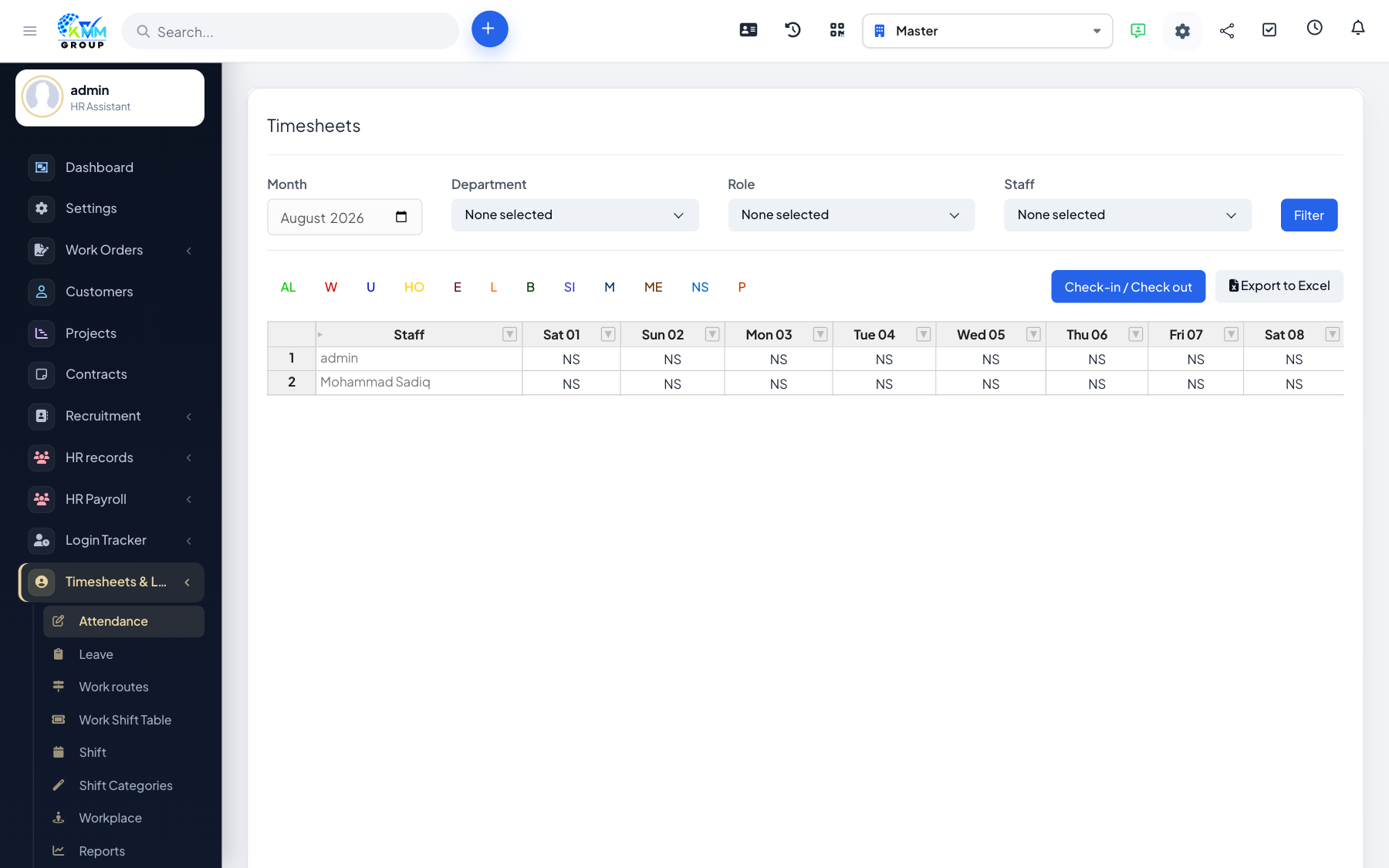
QR check-in lets employees clock in and out by scanning a code — ideal for a shared tablet at an entrance or when staff do not each have a login open.
Steps
- Generate each employee's QR code from the attendance area.
- Display or distribute the code (e.g. on an ID badge or at reception).
- The employee scans the QR code to record a check-in or check-out.
- The scan is logged against their timesheet for the day.
Tips
- Combine QR check-in with valid-IP or GPS rules for stronger control over where clock-ins happen.