Overview
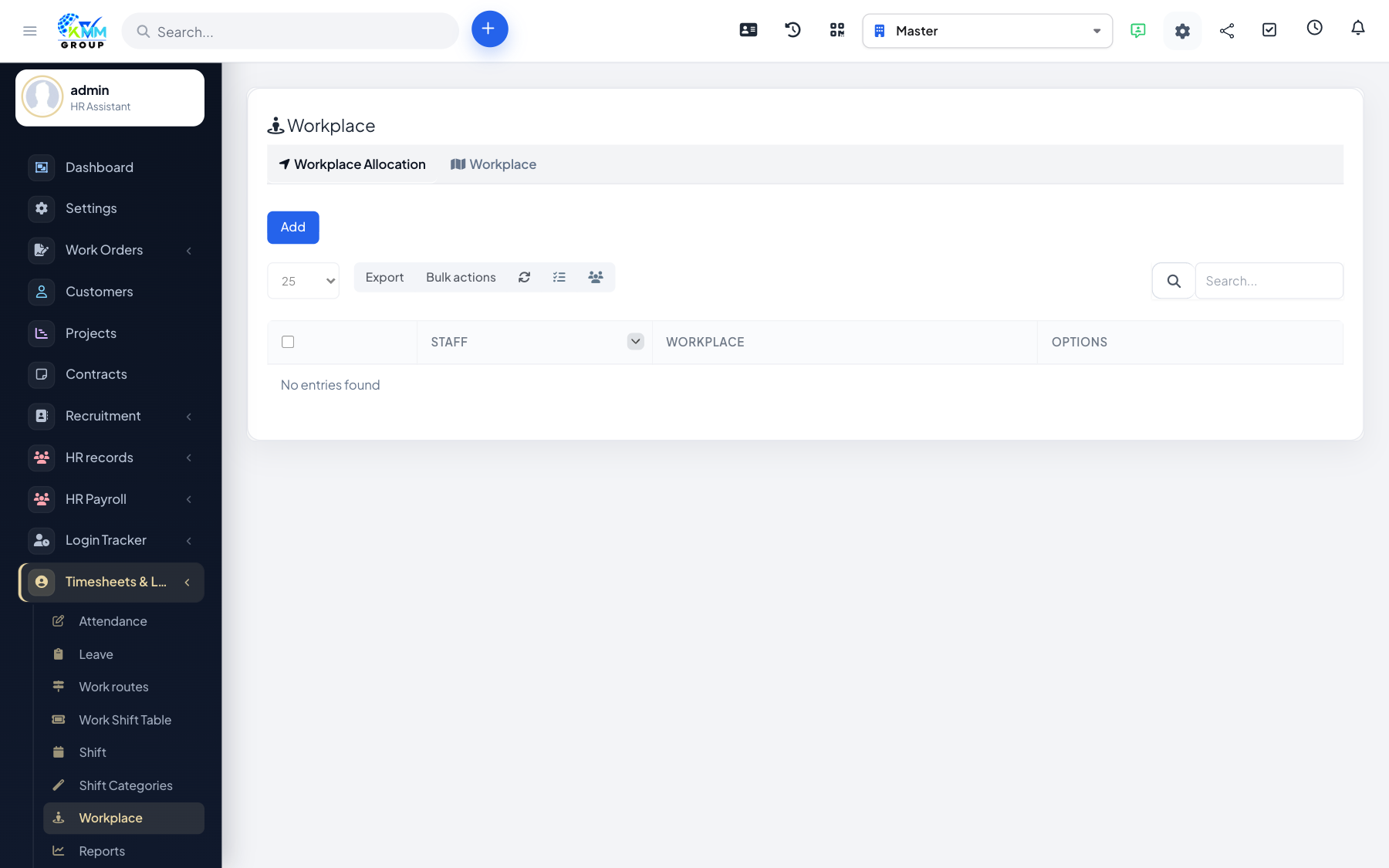
Workplace attendance ties a check-in to a physical location using GPS coordinates, so staff can only clock in when they are actually at their assigned site.
Steps
- Enable coordinate-based attendance, then open Workplace Management (
/admin/timesheets/workplace_mgt?group=workplace_assign). - Add workplaces with their GPS coordinates.
- Assign staff to the workplaces they should attend.
- Staff can then only check in when at the assigned location.
- Use the ratio-by-workplace report to see attendance compliance by site.
Tips
- Great for multi-site teams where you need proof that staff were on site.